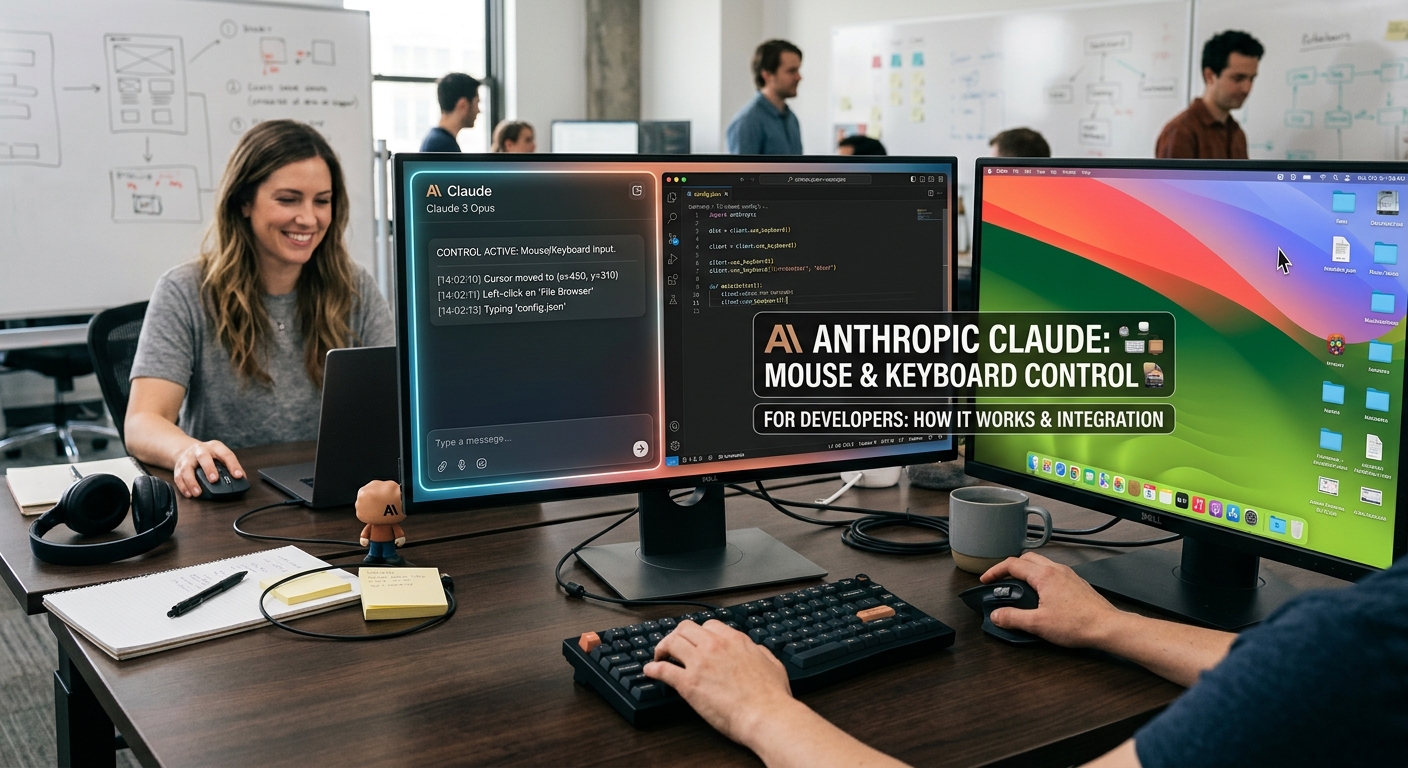
Anthropic Gives Claude Mouse and Keyboard Control: What Developers Need to Know
Anthropic Releases Computer Use: AI Can Now Control Desktop Apps Directly
Anthropic just dropped an update to Claude 3.5 Sonnet that gives the model a capability developers have been quietly anticipating for years: the ability to actually operate a computer like a human operator.
Rather than relying solely on API connections or text outputs, Claude can now look at a screen, move a mouse cursor, click buttons, and type text directly into desktop and web applications. It marks a fundamental shift in how developer workflows and computer automation interact with large language models.
Here is what Anthropic's new "computer use" capability actually does, how it works under the hood, and where its current limits will test your patience.
---
How Claude's Computer Use API Works Under the Hood
The mechanics behind computer use are straightforward but deceptively difficult to execute cleanly.
Anthropic trained Claude 3.5 Sonnet to interpret screenshots pixel-by-pixel, translate complex user commands into discrete screen actions, and process feedback loops in real time.
`` [User Command] ➔ [Screenshot Captured] ➔ [Claude Calculates Coordinates] ➔ [OS Action Executed] ➔ [Loop Repeats] ``
- Screen Perception: When fed a prompt, Claude requests a screenshot of your current system state.
- Coordinate Calculation: It scans the visual interface, mapping target buttons, input fields, or scroll bars to specific x/y coordinates.
- Action Execution: Through an OS-level API bridge (currently available via Docker containers or Python SDKs), Claude sends native system events—mouse clicks, keypresses, and cursor drags.
- Visual Verification: After executing an action, Claude takes another screenshot to verify whether the button click worked or if an unexpected pop-up blocked the task.
---
Real-World Use Cases: What Can You Actually Automate Today?
We tested the preview capability across several common developer and operations tasks. Here is where the tech shines right now:
1. Legacy ERP and Internal Tool Automation
If your company runs custom internal tools, old desktop software, or web apps without REST APIs, automation used to require fragile Selenium scripts or expensive RPA platforms. Claude can navigate multi-step workflows—like pulling data from an old desktop CRM and pasting it into an updated web database—by simply reading the visual interface.
2. Multi-App QA Testing
End-to-end software testing usually breaks when jumping across app boundaries. Claude can take a build, open Chrome, log into a staging environment, create an invoice, open a local desktop email client to verify notification delivery, and report discrepancies into Jira.
3. Visual Data Extraction from Complex Dashboards
When API access is paywalled or nonexistent, Claude can open analytics dashboards, visually locate charts, adjust date range dropdowns manually, take screenshots, and extract tabular metrics directly into a CSV file.
---
The Catch: Hard Limitations and Latency Realities
While impressive in live demos, developers expecting immediate, bulletproof desktop replacement will run into hard friction:
- High Latency: Every single step requires a round-trip screen capture and LLM visual inference call. Complex workflows taking 10 steps can take 30 to 60 seconds to complete.
- Scrolling and Fine Dragging Failures: Claude struggles with continuous mouse actions. Drag-and-drop elements or long page scrolls often take multiple micro-adjustments to land on the target pixel.
- Pop-ups and Modals Throw It Off: Unplanned browser prompts or OS notifications frequently break execution loops, causing Claude to retry action loops until hitting token execution limits.
- Security Vulnerabilities (Prompt Injection): If Claude reads a web page containing adversarial hidden text, that text could instruct the model to perform malicious actions—like deleting local files or exposing credentials.
---
Pricing and API Availability
Computer use is currently available in public beta through the Anthropic API, Amazon Bedrock, and Google Cloud's Vertex AI.
| Feature | Details / Cost | | :--- | :--- | | Supported Model | Upgraded Claude 3.5 Sonnet (claude-3-5-sonnet-20241022) | | Input Token Cost | $3.00 per million tokens (visual screenshots consume ~1k tokens per image) | | Output Token Cost | $15.00 per million tokens | | Environment | Standard API integration; official Docker containers provided for OS sandboxing |
---
Should You Build With It Now?
If you are looking to replace standard REST API integrations, stick to native code—it is faster, cheaper, and far more deterministic.
However, if your team handles tedious manual data entry across un-scriptable legacy tools, building an internal agent powered by Claude's computer use API is already practical today. Treat it as an experimental UI-layer automation tool, run it inside isolated virtual machines, and keep human supervision in the loop.