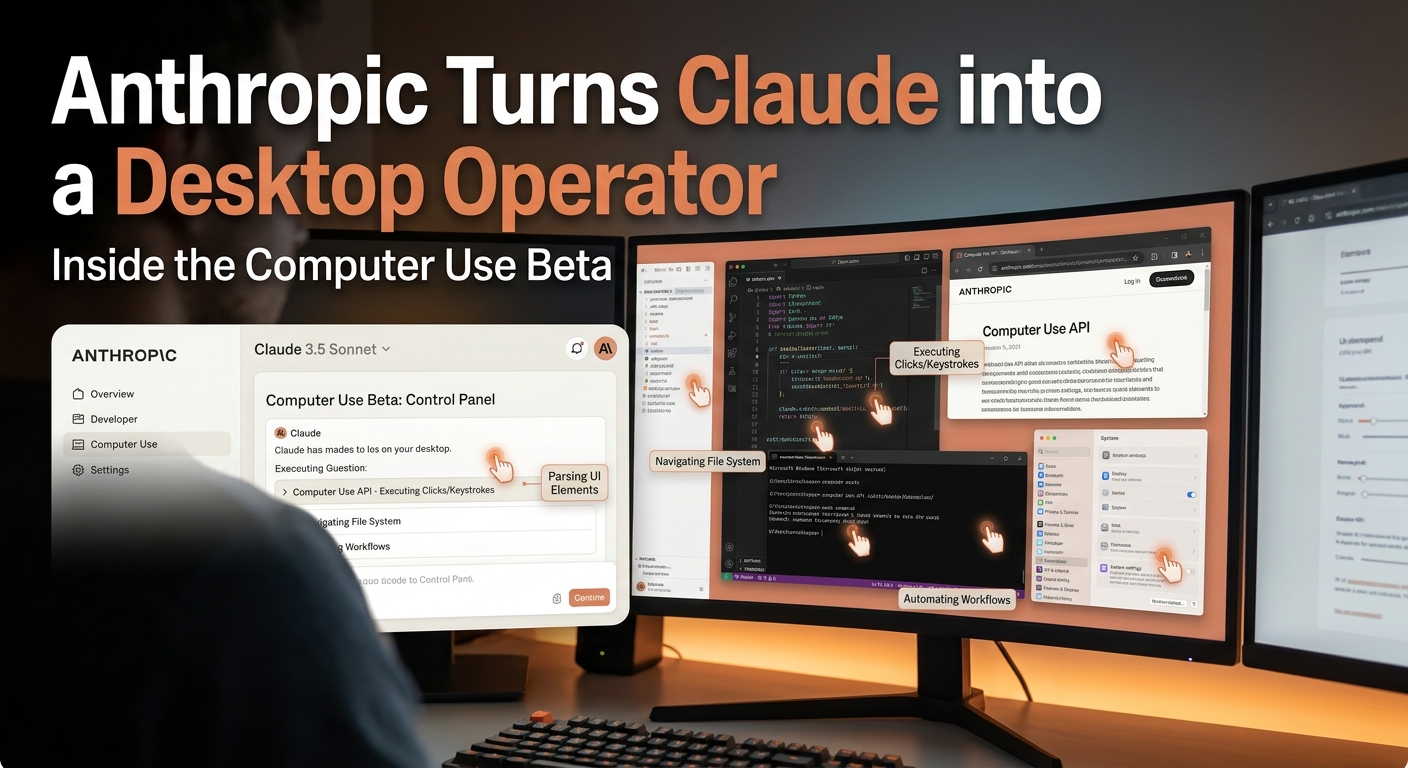
Anthropic Computer Use Beta: Claude 3.5 Sonnet Controls Your Desktop
Anthropic Computer Use Beta: Claude 3.5 Sonnet Controls Your Desktop
Anthropic has launched a public beta of Computer Use, a feature that lets Claude 3.5 Sonnet perceive and interact with your desktop in real time—moving the cursor, clicking buttons, typing text, and navigating across applications. This shifts Claude from answering prompts to taking direct action on your machine.
While AI coding assistants have edited files inside IDEs for years, the new "computer use" API treats the entire desktop interface as its workspace. It's available in public beta today, and it fundamentally changes how developers think about workflow automation.
How Claude 3.5 Sonnet Computer Use Actually Works
Unlike web scrapers or browser extensions, Claude processes screenshots of your display to understand UI elements. You grant the model permission to execute system actions, and it returns coordinates, keystrokes, and mouse clicks.
Here is what happens under the hood when you give Claude a multi-step task:
- Visual Perception: The API captures your display output as images, calculating relative x/y pixel coordinates for buttons and input fields.
- Command Translation: Instead of writing raw code, Claude outputs structured OS commands like
mouse_move,left_click,type, orkey_combination. - Feedback Loops: After every action, the system takes another screenshot to verify if the UI state changed as expected before taking the next step.
In early testing with developers, Claude completed multi-application workflows—such as grabbing data from an un-APIable legacy CRM spreadsheet, opening a browser, logging into a vendor portal, and filling out forms field-by-field.
Real-World Use Cases for Developers and Automation
This isn't just a novelty; it solves several hard problems where traditional software integrations fail:
- Legacy System Integration: Scraping desktop apps without APIs or accessible DOMs usually requires brittle RPA (Robotic Process Automation) tools. Claude navigates UI layout shifts dynamically.
- End-to-End QA Testing: QA teams can instruct Claude to test visual software like human QA testers would—clicking through complex desktop builds and reporting visually broken states.
- Cross-App Administrative Tasks: Automating multi-step administrative loops across local terminal instances, local file systems, and web dashboards simultaneously.
Hard Limitations and Security Reality
Before turning over control of your workstation, you need to understand where this tech hits a wall—and where it poses serious risks.
- Latency and Speed: Because every step requires generating a screenshot, sending it over the wire, and running inference on Claude 3.5 Sonnet, operations are noticeably slow. High-frequency workflows will lag.
- Prompt Injection Risks: If Claude encounters malicious text on screen while browsing the web or reading untrusted documents, prompt injection can hijack its cursor actions. Giving an AI full keyboard/mouse access requires strict sandboxing.
- Precision Glitches: Screen resolution scaling and high-DPI displays occasionally confuse the model's pixel coordinate predictions, leading to missed clicks or stuck cursor loops.
What This Means Going Forward
Anthropic's computer use capability marks a clear inflection point. We are moving past chat windows into active computer control. Keep your experiments locked inside virtual machines for now, but start mapping out the repetitive UI workflows you can offload next. The real value lies in automating the tasks no API can reach—legacy systems, desktop-only software, and multi-app sequences that no tool has cracked reliably. ===END===