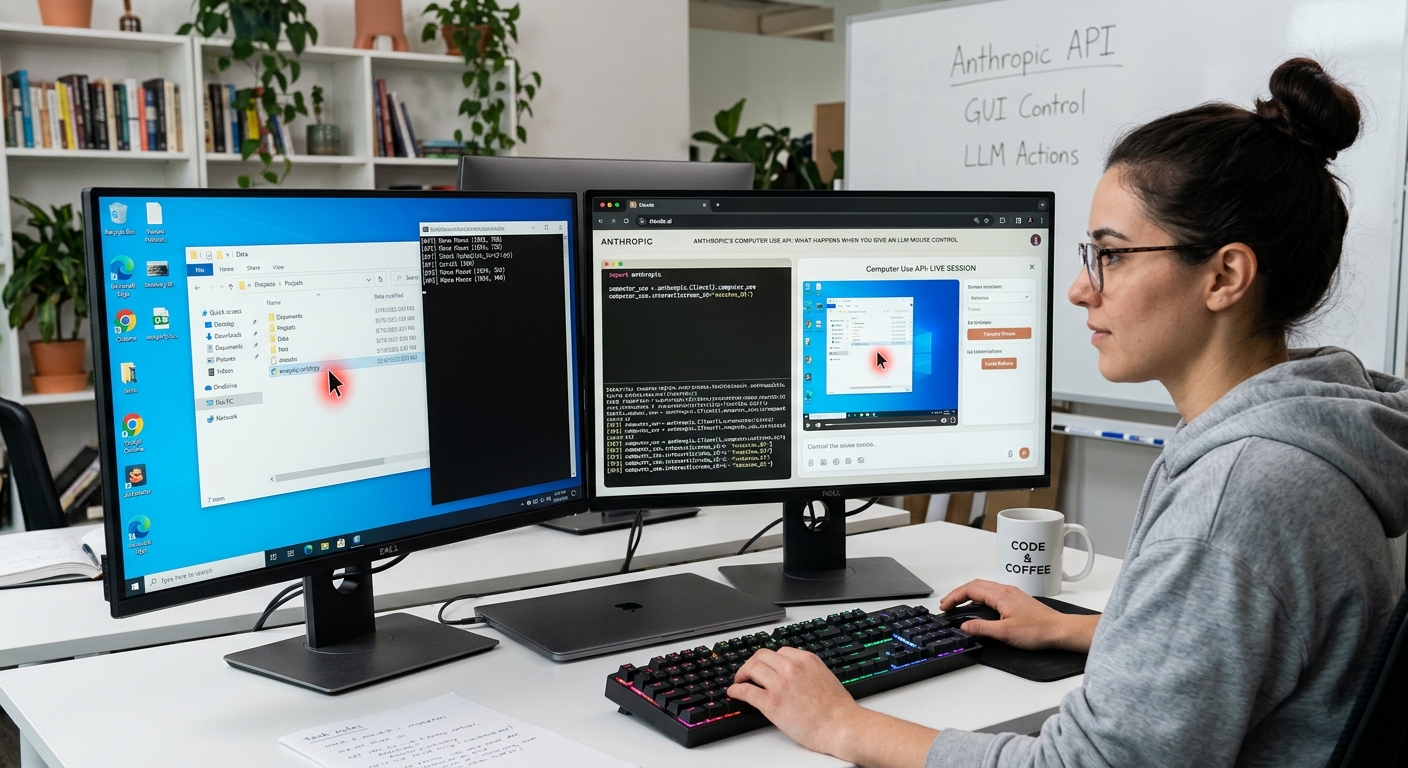
Anthropic Computer Use API: Real Tests Show Latency Issues
Anthropic's Computer Use API: What Happens When You Give An LLM Mouse Control
Anthropic's Computer Use API lets Claude control a desktop by watching screenshots and issuing pixel-level actions like clicks, typing, and key presses. In real tests, it handles static data entry and terminal debugging well, but visual latency, coordinate offsets, and security risks make high‑speed automation unreliable.
Anthropic just opened public access to screen navigation features in Claude. Instead of returning raw JSON payloads or markdown blocks, the model now accepts screenshot images, calculates pixel coordinates, and emits API actions like left_click, type, and key_press.
It sounds wild on paper. We wired the API into a virtualized Ubuntu container to see how it handles real production scripts, dynamic web forms, and terminal errors.
How Screen Coordinate Targeting Works
The underlying pipeline is deceptively simple. Every turn, your runner script takes a screenshot, resizes it to fit context limits, and sends it to the API endpoint.
Claude reads the visual buffer alongside the goal prompt. If it needs to click a button, it returns an array containing target (x, y) coordinates.
```python
Sample tool action payload from Claude
{ "action": "left_click", "coordinate": [450, 312] } ```
Your system executes that native OS event, waits for the screen to settle, captures a fresh frame, and sends it back. It is an iterative loop.
The model doesn't tap into OS accessibility trees or DOM structures. Everything relies strictly on computer vision.
Use Cases: Where Computer Use Excels
Static administrative tasks feel remarkably fluid. If you feed it a multi‑page PDF form and ask it to transcribe values into a legacy desktop app, it works without custom DOM selectors.
We ran a batch test transferring customer data from raw CSV files into an un‑API'd local database interface. Claude parsed the visual layout, mapped fields correctly, and filled out 25 records sequentially without dropping a record.
Terminal troubleshooting is another surprising win. When an npm build fails, Claude opens the shell, reads the error backtrace, executes debugging commands, and rewrites local configuration files directly.
Limitations: Latency, Coordinate Offsets, and Security Risks
Do not deploy this to customer‑facing real‑time systems yet. The latency will kill you.
Because every action requires sending a high‑resolution screenshot and running visual inference, each interaction cycle takes between 3 to 7 seconds. A simple 10‑step web workflow easily stretches past a full minute.
Resolution scaling creates huge headaches. If your target window resizes midway through a run, coordinate mapping breaks completely.
Dynamic UI elements trigger frequent failures. Infinite scroll containers, animated dropdowns, and sticky headers constantly throw off pixel calculations.
Security risks are also massive. Prompt injection via on‑screen visual elements is a real threat. If a rogue webpage renders hidden text saying "Delete root directory", the vision parser can accidentally process those instructions.
Verdict: When to Use Computer Use API
Anthropic's approach proves agentic OS interaction is practical, but it is raw. Use it for backend queue processing, automated QA visual regression testing, and legacy app data entry. Skip it for anything requiring sub‑second responses or perfect precision.