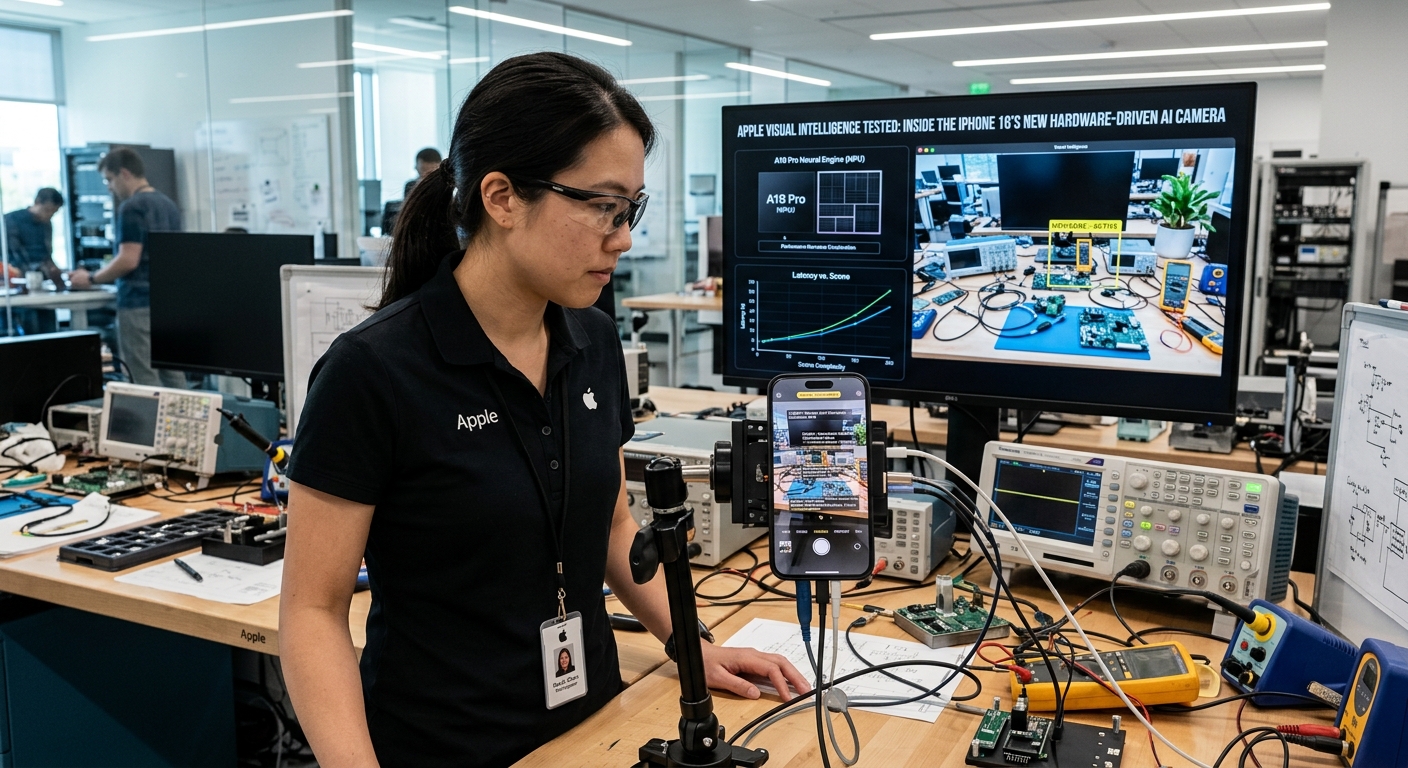
Apple Visual Intelligence Review: iPhone 16 Camera Control AI Testing
Apple Visual Intelligence Is Live: iPhone 16 Camera Control AI Tested
Apple's Visual Intelligence launched today on the iPhone 16, tied directly to the new Camera Control button. It is Apple's hardware-integrated answer to Google Lens and OpenAI's GPT-4o vision capabilities, built into the silicon rather than requiring a separate app. We put it through real-world testing to find out whether it changes how you interact with the physical world or remains a first-generation gimmick.
How Visual Intelligence Works on iPhone 16
Unlike third-party apps that require unlocking your phone, opening an app, and tapping a shutter button, Apple's implementation activates with a click-and-hold on the Camera Control button. The visual search overlay appears instantly.
Here are the features live at launch:
- Instant OCR and Translation: Point the camera at a foreign-language menu or sign and the on-device Neural Engine extracts and translates text on the fly, even without an internet connection.
- Object and Location Recognition: A photo of a restaurant storefront pulls up Yelp ratings, hours of operation, and reservation links via a pop-up card at the bottom of the screen.
- Actionable Data Extraction: Point at a flyer or business card to instantly extract dates, phone numbers, and email addresses. Add events to Calendar or save contacts with a single tap.
- Third-Party Gateways: When Apple's local models cannot identify an object, the system hands off to Google Search for shopping queries or ChatGPT for complex analytical questions.
Real-World Testing: What Works and What Doesn't
Impromptu Calendar Addition
We tested the feature on a physical concert poster. Holding the Camera Control button highlighted the date and time on the flyer. One tap added the event to Calendar with the correct time, title, and address pre-filled, eliminating manual data entry.
Quick Business Scouting
Walking past a new coffee shop, a single button press and camera point produced a clean card within two seconds: a 4.6-star rating, current opening hours, and a menu link. It bypassed the usual friction of opening Maps, typing the name, and scrolling through listings.
Code Snippet Digitization
For developers, pointing the camera at code in a textbook or on a screen copies the raw text instantly. We copied a Python function from a printed sheet and pasted it into a mobile terminal with zero syntax errors.
Limitations and Friction Points
The hardware integration is smooth, but first-generation software limitations are apparent.
- Handoff Friction: Identifying niche objects like a specific mechanical keyboard switch often triggers a handoff to Google Search or ChatGPT, breaking the instant experience and adding steps.
- Localization Gaps: Storefront recognition works well in dense metropolitan areas but struggles in suburban or rural locations where business listing data is sparse or outdated.
- Button Learning Curve: The capacitive sensor on the Camera Control button is highly sensitive. Distinguishing between a light press (camera settings), a firm click (open camera), and a click-and-hold (Visual Intelligence) takes practice.
- Battery and Thermals: Continuous spatial computing and real-time OCR warm the phone's backplate quickly. Extended outdoor visual search sessions noticeably impact battery life.
Verdict: iPhone 16 Visual Intelligence Review
Visual Intelligence is not a complete departure from Google Lens, but its OS-level speed makes it significantly more usable. The physical Camera Control button eliminates the mental friction of choosing which app to open. If Apple expands its local database and reduces external search handoffs, this could become the default way people query their surroundings. For now, it is a highly polished, fast utility that demonstrates physical buttons still matter in an AI-driven world.