Cursor vs Windsurf: Best AI Coding Agent for Complex Codebases
<content># Cursor vs Windsurf: Best AI Coding Agent for Complex Codebases
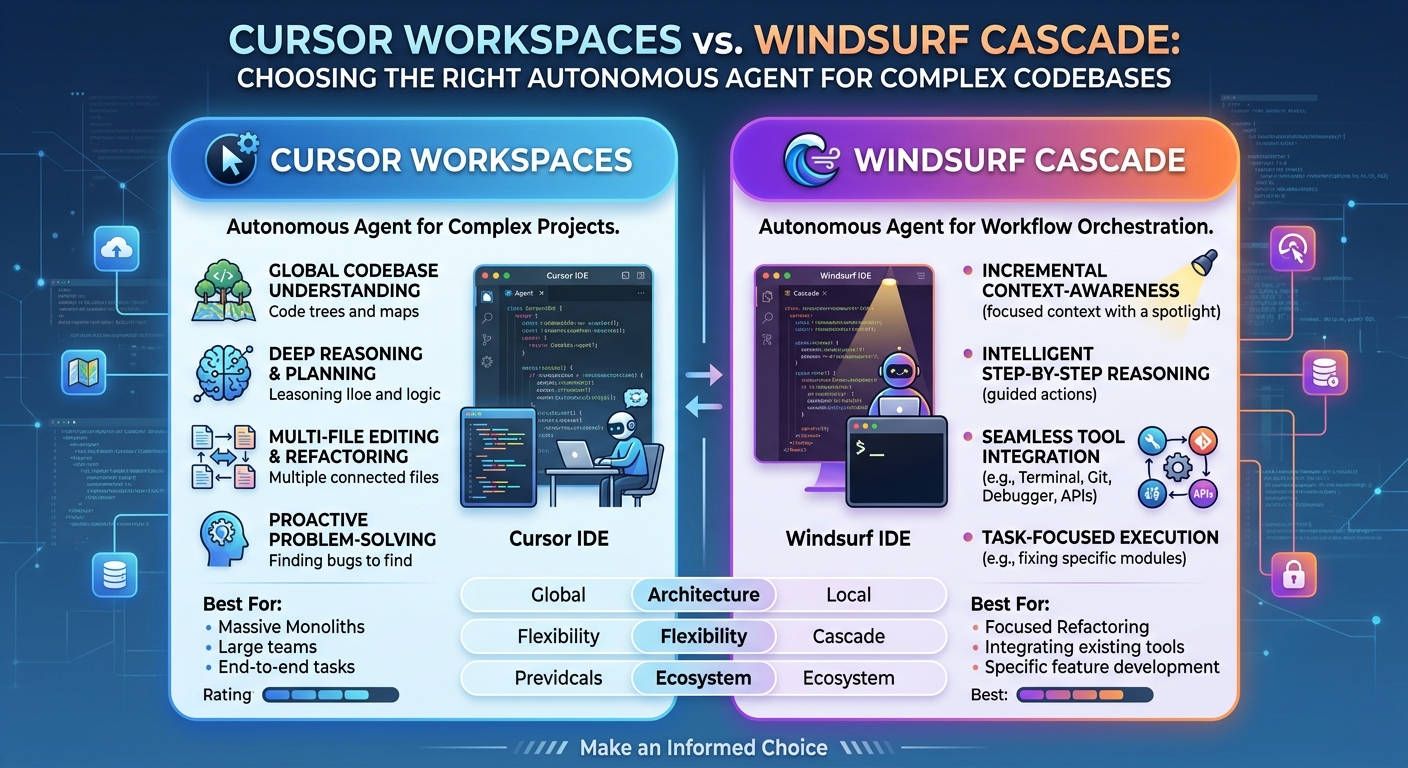
Cursor Workspaces and Windsurf Cascade are the two most advanced autonomous coding agents for complex repositories today. We tested both on a 45,000-line TypeScript monorepo and a legacy Python backend to determine which one actually earns a permanent spot in your development workflow.
Context Indexing and Retention
Cursor relies on fast vector embeddings combined with fine-tuned AST chunking. When you hand it a high-level task like migrating REST endpoints to tRPC, it scans your codebase quickly. However, context window bloat still hits hard when working across multiple monorepo packages.
Windsurf's Cascade engine uses a dynamic state tracker tied into active language server protocol (LSP) diagnostics. When a TypeScript compiler error pops up during code generation, Cascade catches it immediately. It doesn't waste tokens on three hallucinated retry loops like older tools.
Execution Autonomy and Workflow Integration
Neither tool replaces an engineer reviewing pull requests.
Cursor Workspaces shines when spawned as an asynchronous background worker. You prompt it, assign a git branch, and let it run while you stay focused on another task. Its visual diff tool makes multi-file reviews quick, even if it occasionally forgets to import utilities from nested folders.
Windsurf handles local environment friction with far better discipline. When a shell command hangs or a package install fails, Cascade halts and asks for manual guidance. It feels less like a rogue script and more like a fast junior developer pair-programming at your desk.
Real-World Test Bench
We assigned three distinct tasks to both platforms:
- Updating a Next.js feature flag system across 14 components.
- Writing PostgreSQL transaction edge-case tests.
- Adding strict type hints to legacy Python scripts.
Cursor finished the Next.js refactor in under three minutes. But it generated duplicate helper functions in two separate folders because it missed an existing utility module.
Windsurf took nearly six minutes on the same task. It ran local build commands after altering each file. The extra wait time yielded clean, compile-ready code with zero duplicate logic.
Hard Limitations You Should Expect
Marketing claims aside, autonomous execution still stumbles over custom setups.
Cursor gets stuck in execution loops when shell scripts output custom exit codes. You will watch it execute the same build command repeatedly without altering its code proposal.
Windsurf suffers from memory degradation on giant files. Pass it a file over 1,200 lines, and Cascade starts forgetting functions defined at the top while editing the bottom.
The Verdict
If your workflow favors high-speed background generation and fast branch prototyping, Cursor Workspaces holds the edge.
If you care more about build reliability, strict type safety, and fewer broken imports, Windsurf Cascade is the better choice. It trades raw speed for code accuracy, saving you time during pull request reviews.</content>