Cursor Multi-File Edit Mode: Hands-On Review of Risks and Gains
Cursor Multi-File Edit Mode: Hands-On Review of Risks and Gains
Cursor has released an advanced multi-file edit mode for its Composer feature that lets developers write and refactor across multiple files simultaneously. It cuts copy-paste friction dramatically, but it also introduces significant risks around token consumption, hallucinated exports, and review fatigue. Below is a hands-on look at how it performs on complex legacy codebase refactoring.
---
What Actually Changed: Composer's Parallel Edit Mode
The headline update is the ability to edit, create, and refactor multiple files simultaneously using a unified chat interface. Instead of generating a code block for components/Button.tsx and another for hooks/useAuth.ts and expecting you to manually place them, Cursor now orchestrates these changes across your entire project workspace in one shot.
Here is how the workflow behaves now:
- System-Wide Context Awareness: The model reads your entire workspace structure, analyzing import paths and dependency graphs before writing a single character.
- Parallel Streaming Changes: You can watch Cursor actively write to three, four, or five files at the exact same time in a split-screen UI.
- Granular Reject/Accept: Before committing the changes, you get a clean diff view for every single affected file, letting you accept the edits in your router while rejecting a sketchy Tailwind tweak in your UI layout.
---
Real-World Use Case: Refactoring a Legacy State Manager
To test this, we fed Cursor a notoriously messy task: migrating a legacy React app from prop-drilling to a centralized Zustand store, while simultaneously updating the API calls and TypeScript interfaces.
We gave Cursor a simple prompt: "Migrate the user profile state from prop-drilling in App.tsx and Dashboard.tsx to a new Zustand store. Update the API fetching logic in services/api.ts and make sure all TypeScript interfaces are strictly typed."
The Execution
Instead of vomiting a wall of text instructions, Cursor's Composer opened a workspace draft. It created store/userStore.ts, modified the imports and component definitions in App.tsx and Dashboard.tsx, and updated the fetch signature in services/api.ts.
The total time taken? Less than 15 seconds. The imports were 100% correct, pointing accurately to the newly created store path without any broken relative links.
---
The Hard Limitations: Where It Still Stumbles
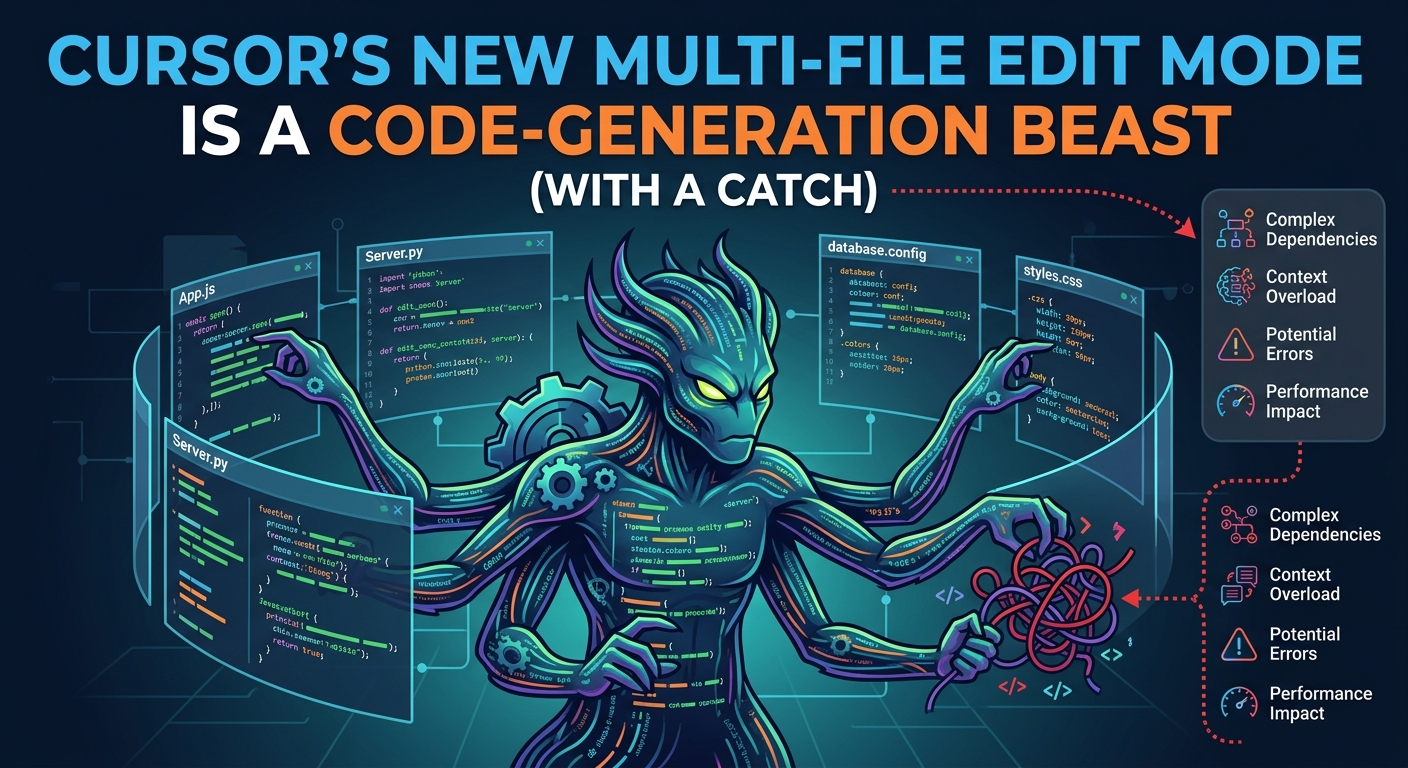
Let's be realistic. No tool is perfect, and letting an AI write to five files at once is inherently risky. During our testing, we hit some immediate friction points that every developer needs to watch out for.
1. Token Usage is Brutal
Multi-file editing requires massive context windows. Cursor has to ingest the abstract syntax trees of multiple files, process them, and stream back multiple diffs. If you are on a metered API plan or using fast-queries, a few hours of complex multi-file refactoring will burn through your monthly quota fast.
2. Hallucinated Exports
While Cursor did an outstanding job mapping imports, it occasionally hallucinates exported functions from secondary files if those files are not actively open in your editor tabs. It assumes an export exists based on historical context, leading to immediate compilation errors.
3. The "Diff Fatigue" Problem
When Cursor modifies six files at once, reviewing those diffs becomes a chore. It is incredibly easy to get lazy, hit "Accept All," and accidentally overwrite a critical piece of custom business logic that the AI thought was redundant.
---
The Verdict: Should You Use It?
Yes, but with boundaries.
Cursor's new multi-file edit mode is a massive productivity booster for boilerplating, routine refactoring, and setting up initial project structures. It saves minutes of manual file creation and import wiring per task.
However, for mission-critical logic or highly sensitive codebases, you should feed it one file at a time. Do not let the ease of the interface trick you into skipping the pull request review process. Always run your test suite immediately after a multi-file pass.