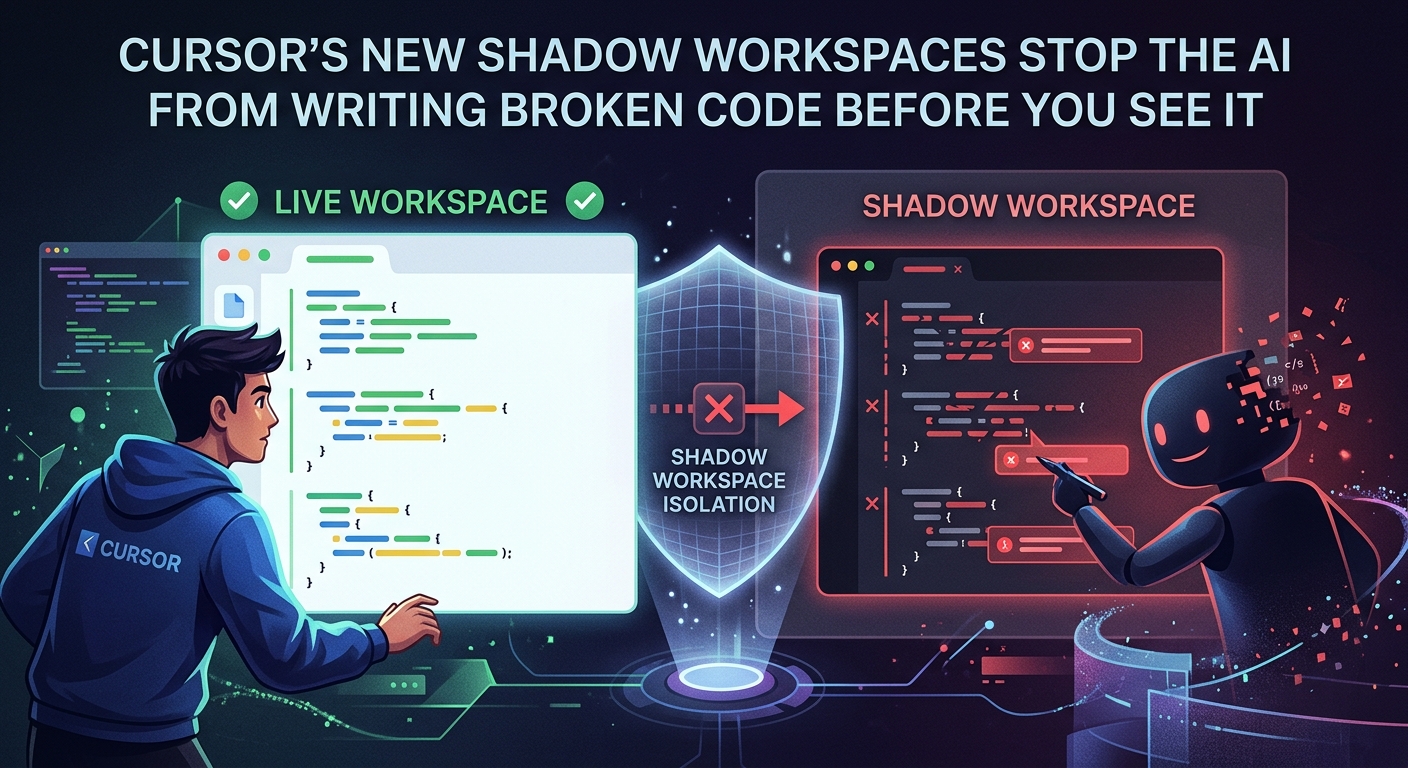
Cursor Shadow Workspaces: How v0.52 Fixes Broken AI Code
Cursor Shadow Workspaces: How v0.52 Fixes Broken AI Code Before You See It
Cursor's v0.52 update introduces Shadow Workspaces, a feature that runs AI-generated code in a local Docker sandbox, tests it, and self-corrects—all before the code ever reaches your editor. The result: fewer compiler errors, faster feedback loops, and a smarter way to collaborate with AI.
How Shadow Workspaces Actually Work
Most AI coders just write code and hope for the best. Cursor's new feature changes this. When you trigger an edit, the editor spins up a hidden, lightweight Docker container running your exact project setup.
The AI agent doesn't just write the code and dump it in your editor. It writes it inside the shadow container first. It automatically triggers npm run test or cargo check in the background. If the build fails, the agent reads the compiler log, rewrites the code, and tries again.
You only see the final, compiling code. This self-correcting loop happens entirely behind the curtain. It feels like magic, but it is just clever engineering.
Real-World Use Cases for Developers
The most obvious win is tackling deep library migrations. If you are upgrading a legacy library, the shadow workspace can battle the breaking API changes in isolation until the test suite passes.
Another great use case is debugging complex TypeScript generics. Instead of spending twenty minutes fighting the compiler over nested utility types, the agent runs the TypeScript compiler in the loop. It iterates until the types resolve.
It is also incredibly useful for writing unit tests. You can tell the agent to write a new helper function and keep editing it until all green checks appear in the shadow environment.
The Hard Limitations (and the CPU Tax)
This is not a perfect solution. First, the resource footprint is massive. Running local Docker containers and triggering constant test runs makes your MacBook fans scream.
Second, your token usage will skyrocket. Because the agent might loop five or six times to fix a tricky syntax error, a single prompt can burn through your monthly fast-API credits in a couple of hours. It is a massive trade-off.
Lastly, stateful databases are still a nightmare. If your test suite relies on a local PostgreSQL instance, the shadow workspace can struggle to mock the state correctly, leading to false negatives.
Should You Turn It On?
Cursor's Shadow Workspaces represent a massive shift in developer tools. We are moving from passive code completion to active local agents.
If you have the hardware to handle the local container tax and a fat API budget, turn this on immediately. It is buggy, it is resource-heavy, but it points to where software development is heading.