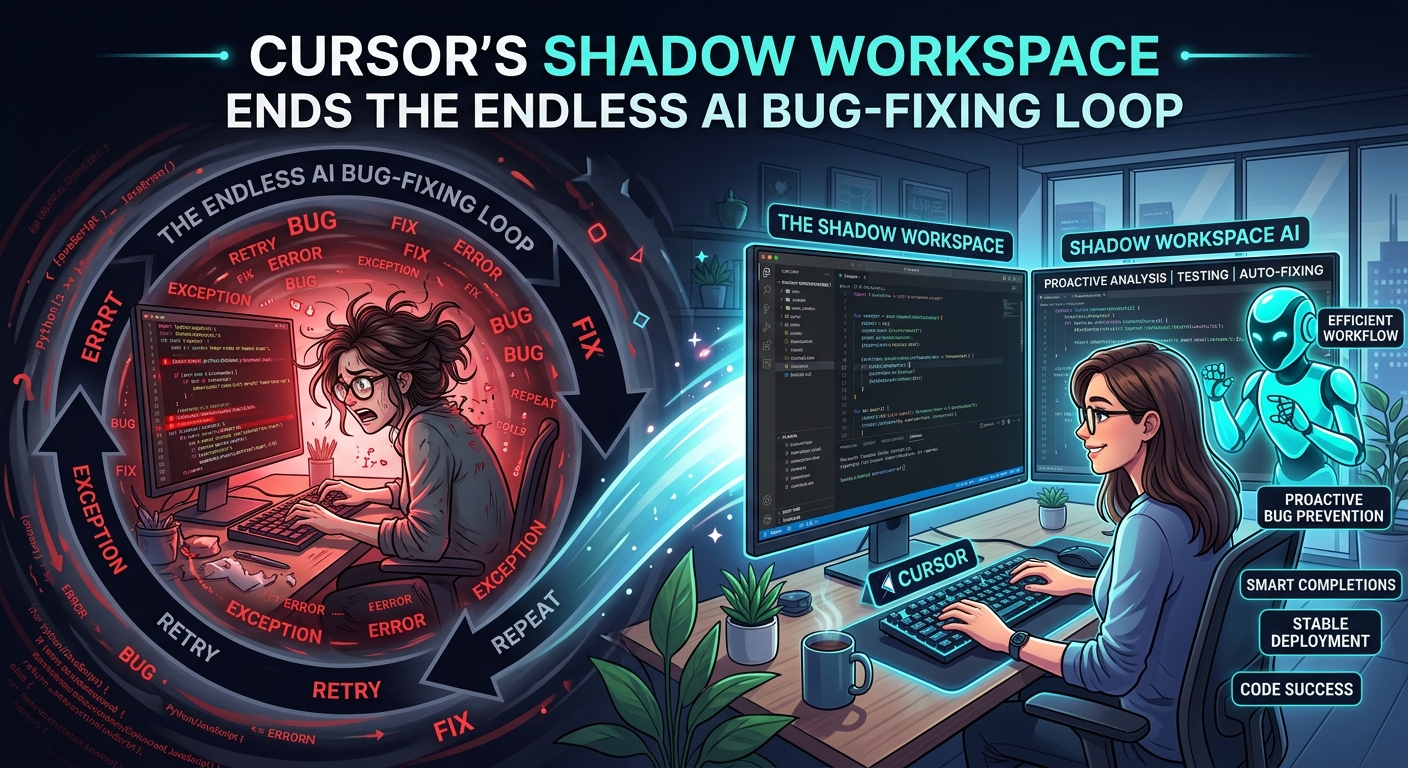
Cursor's Shadow Workspace: The AI IDE That Fixes Its Own Bugs
Cursor's Shadow Workspace Stops the "Write-Break-Fix" Code Agent Loop
Stop babysitting your AI editor. You ask it to refactor a messy React component, it spits out 200 lines of garbage, and your build immediately breaks. Then you spend ten minutes copying terminal errors back to the prompt. Yesterday's Cursor update aims to kill this loop forever with something called "Shadow Workspace."
What is Cursor's Shadow Workspace?
Instead of writing code directly to your active editor, Cursor now spins up a headless, local sandbox in the background. It applies suggested changes, runs your linter, triggers your test suite, and attempts to compile the project.
If the build fails, the model reads the terminal output and rewrites its own code. It does all of this before you see a single green or red line on your screen. You only get a diff when the code actually compiles and passes.
How It Works in Practice
Let's say you are updating a legacy backend service from Node 18 to Node 22. In the old flow, the AI would write code using deprecated APIs, your server would crash on boot, and you'd have to feed the stack trace back to the prompt.
With Shadow Workspace enabled, the process looks different:
- The Request: You ask Cursor to update the database connection pool configuration.
- The Run: Cursor clones your working directory state into a lightweight background runner.
- The Self-Correction: It runs
npm run buildand catches a TypeScript error in an imported type. It fixes the type definition file in the sandbox, re-runs the build, and passes. - The Result: You receive a clean, fully verified multi-file diff.
Letting the model fail in private saves massive developer time. In our early testing with a complex Go microservice, it cut down manual prompt-and-correct cycles by roughly 70 percent.
The Hardware and Cost Reality
This isn't free magic. Running background Docker containers or local micro-VMs requires serious local resources. If you're on an older 16GB M1 MacBook, your fans will scream.
Cursor offers a cloud-hosted sandbox option to offload the compute. However, that requires uploading your codebase state to their servers — a massive red flag for enterprise compliance.
The API cost is also significantly higher. Because the model loop runs multiple times behind the scenes to fix its own bugs, a single prompt can easily chew through five times more tokens than a standard Cursor Composer run. You'll hit your high-speed usage tier much faster.
Hard Limitations
While it feels like magic when it works, Shadow Workspace has real bottlenecks:
- Flaky Tests: If your test suite contains slow integration tests or flaky end-to-end tests, the background loop times out. You have to configure specific "fast-test" patterns to keep it responsive.
- External Dependencies: If your build relies on external APIs, local database instances, or third-party auth providers, the headless sandbox will choke. It won't work unless you mock everything perfectly.
- State Confusion: It struggles with multi-repository dependencies. It can't easily spin up a shadow workspace for a service that requires three other local microservices to compile.
The Verdict
This update shows where software engineering tools are headed — moving away from simple autocomplete toward self-verifying compilers.
Cursor's Shadow Workspace is rough around the edges, and token consumption will drain your wallet if you aren't careful. But once you experience an AI agent that fixes its own build errors before showing you the code, going back to standard chat interfaces feels like writing assembly.
Bottom line: Shadow Workspace is worth trying if you have the hardware and can absorb the token costs. It represents the future of agentic coding, even if we're not quite there yet.