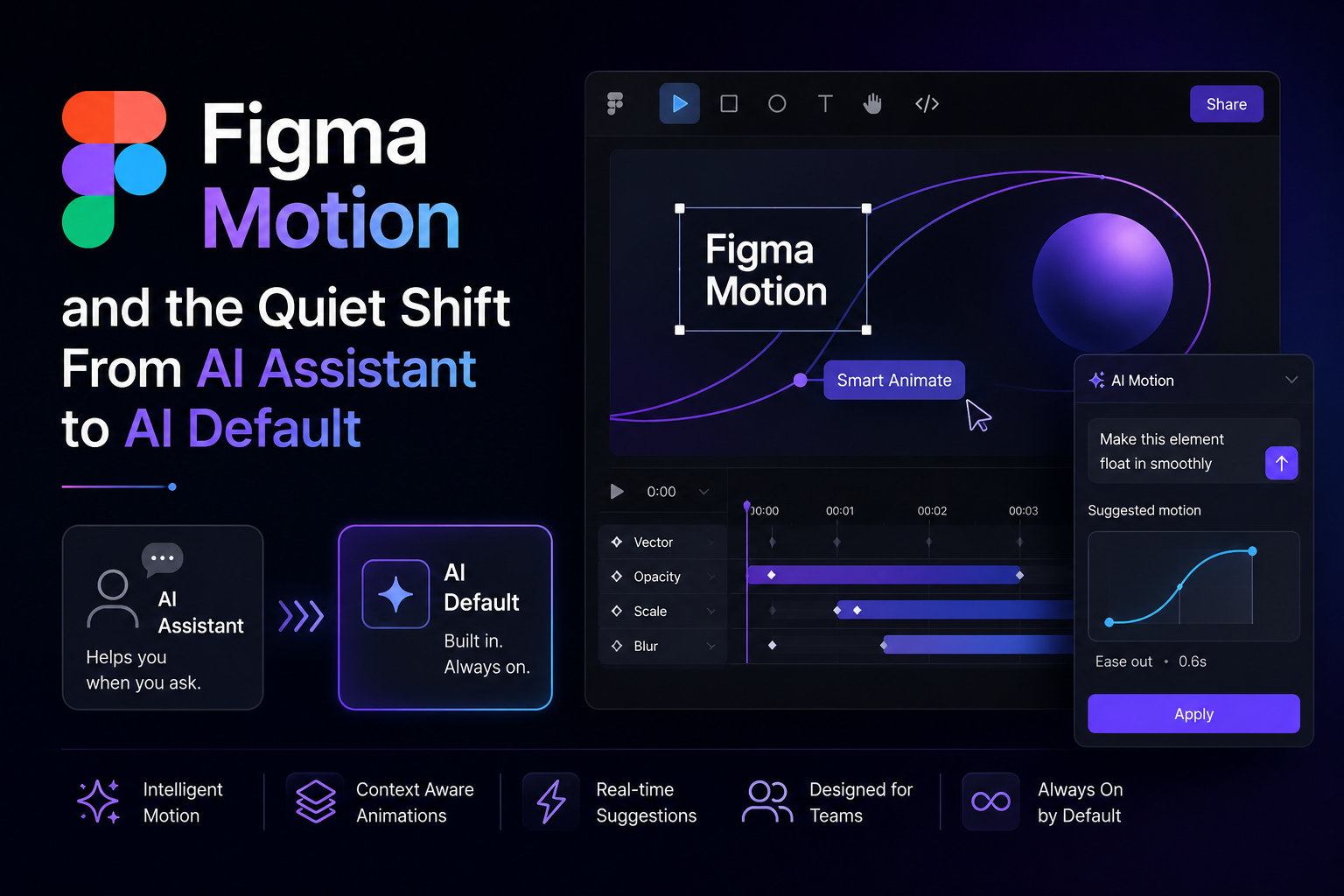
Figma Motion Explained: AI Animation Now Native Inside the Canvas
Every design tool eventually faces the same question: does AI sit beside your work, or inside it? Figma answered at Config 2026. The company shipped Figma Motion, a native animation system built directly into the design canvas. Buried in the release notes is a feature that signals where creative software is heading: you can now ask Figma's AI agent to generate a starting animation on the same layer where you refine it by hand.
What Figma Motion actually ships
Figma Motion is not a plugin bolted onto the side of the app. It lives inside the same file as your static frames and brings a timeline, keyframes, easing curves, and spring physics with it. Designers can build motion from scratch, layer it onto an existing design, or hand the brief to Figma's AI agent for a first pass they can then edit.
Finished animations export as MP4, GIF, WebM, or animated SVG. Lottie support is coming later. The same file that once held a static mockup now hands off the spec an engineer implements against — as CSS, JSON, or React.
Figma Motion is in open beta on every plan. Publishing animated components, generating with the AI agent, and high-res video export require a paid seat, a standard way to let the feature prove itself before asking teams to pay.
Why this matters beyond one feature
Motion has always been the part of design work that got pushed elsewhere — to After Effects, to a specialist, or to "we'll add micro-interactions later if there's time." Baking AI-assisted animation into the same canvas as the static design removes that handoff. The person who designed the button can now produce the motion spec for how it behaves in the same session, without leaving the tool or waiting on someone else's queue.
That is the pattern worth watching across creative software this year, not just at Figma: AI stops being a separate step you invoke and becomes a default option next to the manual one. It does not replace the keyframe editor. It removes the blank-page problem that used to make people skip motion altogether.
Expect Adobe and Canva to answer with their own version of the same idea within a few quarters. Once one major design tool makes AI-generated motion a first-class citizen, treating it as a bolt-on stops being competitive.
The metric to watch
The interesting measure is not how good the AI-generated animations look on day one. Early outputs from any generative motion feature tend to need heavy editing. The real signal is whether teams start reaching for the AI-agent option as the default first draft the way they now reach for autocomplete in a code editor.
If Figma Motion follows the trajectory of most "AI does the first draft" features, the win will not be replacing the animator's judgment. It will be collapsing the time between "we should add motion here" and having something on screen to react to.
For teams shipping product, that is the takeaway: another category of craft work — after copy, after code, after static design — just got a default AI-assisted starting point built into the tool people already use.