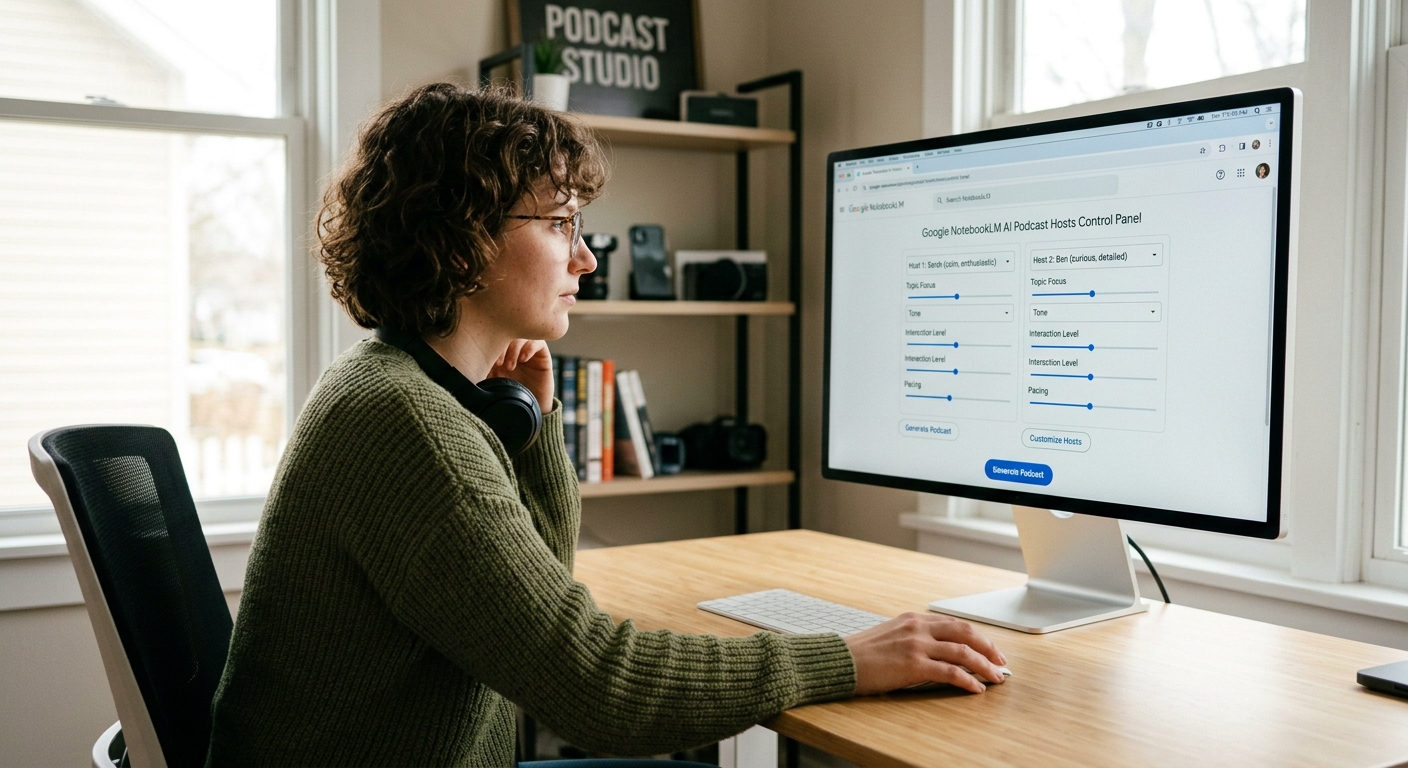
Google NotebookLM Audio Customization: Guide Your AI Podcast Hosts
NotebookLM's New Audio Customization: Finally, You Can Guide the Deepdive Hosts
Google has added "Audio Customization" controls to NotebookLM, letting you guide the AI podcast hosts with specific prompts before they generate an audio overview. You can now tell the hosts exactly what to focus on, who to talk to, and what tone to use — no more guessing what two AI voices will say about your documents.
If you've used NotebookLM's "Audio Overview" feature over the last few months, you know the routine. You drop in a 50-page PDF, click a button, and two eerily realistic AI hosts banter about your data. It's incredibly cool, but until now, it was a total black box. They talked about whatever they wanted, often fixating on minor anecdotes while ignoring your core data.
With today's update, Google is rolling out "Audio Customization" controls. You can now provide specific instructions before the hosts start talking, steering their focus, tone, and depth.
---
What's New: Behind the Mic Controls
The core upgrade is a simple text prompt box that appears right before you generate your Audio Overview. Instead of letting the AI hosts run wild, you can give them explicit marching orders.
- Focus on Specific Topics: You can tell the hosts to ignore the introductory chapters of your technical spec and spend the entire 10 minutes dissecting the API architecture.
- Target Specific Audiences: Need to explain a complex machine learning paper to a non-technical marketing team? Instruct the hosts to "explain this like I'm five, using real-world analogies."
- Adjust the Format: You can nudge them to focus on a Q&A style, highlight key takeaways for an executive summary, or act as study partners quizzing each other.
Under the hood, this isn't just a basic prompt wrapper. Google is feeding these user-defined constraints directly into the Gemini 1.5 Pro model that powers the underlying synthesis, ensuring the hosts stay on-topic without losing their signature conversational chemistry (complete with natural interruptions, sighs, and "mm-hmms").
---
Real-World Use Cases: Where This Actually Helps
This update moves NotebookLM from a neat party trick to an actual workflow tool for developers, researchers, and product teams.
1. Codebase and API Walkthroughs
Instead of reading through endless swagger docs or a messy GitHub Wiki, you can upload your markdown documentation and prompt the hosts: "Focus entirely on how authentication works, and highlight any potential security bottlenecks mentioned in the text." You get a custom, 8-minute audio brief to listen to during your morning coffee.
2. Pitch Deck and PRD Deconstruction
If you're prepping for a product launch or a VC meeting, upload your PRD or pitch deck. Instruct the hosts: "Act as skeptical investors. Critically analyze the market fit and ask hard questions about our unit economics." Listening to two AI voices poke holes in your plan is a surprisingly effective way to prep for tough questions.
3. Rapid Research Paper Skimming
Tossing a 30-page arXiv paper into NotebookLM used to result in a generic summary of the abstract. Now, you can command: "Focus only on the methodology and the hardware constraints of the training run. Skip the literature review."
---
The Hard Limitations: What It Still Can't Do
Despite the upgrade, NotebookLM is far from perfect. If you're expecting a fully production-ready podcast engine, you'll run into some familiar brick walls.
- No Real-Time Mid-Podcast Interventions: Once the generation starts, you can't interrupt them. If the hosts wander off-topic halfway through, you have to burn credits, adjust your prompt, and regenerate the entire audio track from scratch.
- The "Hallucinated Agreement" Problem: The hosts are naturally agreeable. Even if you ask them to debate, they tend to agree with each other too quickly. They rarely have intense, conflicting arguments, which can make "critical debates" feel a bit staged.
- Voice Customization is Non-Existent: You're still stuck with the same two default voices (one male, one female). You cannot change their accents, adjust their speaking speed, or introduce a third speaker to the panel.
- Heavy Performance Bottlenecks: Generating a customized audio track still takes anywhere from 2 to 5 minutes depending on server load. It is not an instant utility.
---
How to Get Access
The new Audio Customization features are rolling out starting today to all NotebookLM users globally. It is currently free to use within the standard Google Workspace Labs ecosystem, though heavy users should expect daily generation limits to apply as Google manages the massive compute load required for these voice models. Just log in, open an existing notebook, and look for the new "Customize" prompt box under the Audio Overview panel.
Bottom line: NotebookLM's Audio Customization is a meaningful step forward — you can now shape what the hosts discuss, who they talk to, and how they structure the conversation. But you still can't tweak voices, interrupt mid-generation, or force genuine disagreement between the hosts. Best for targeted research briefings and prep work, not full podcast production. ===