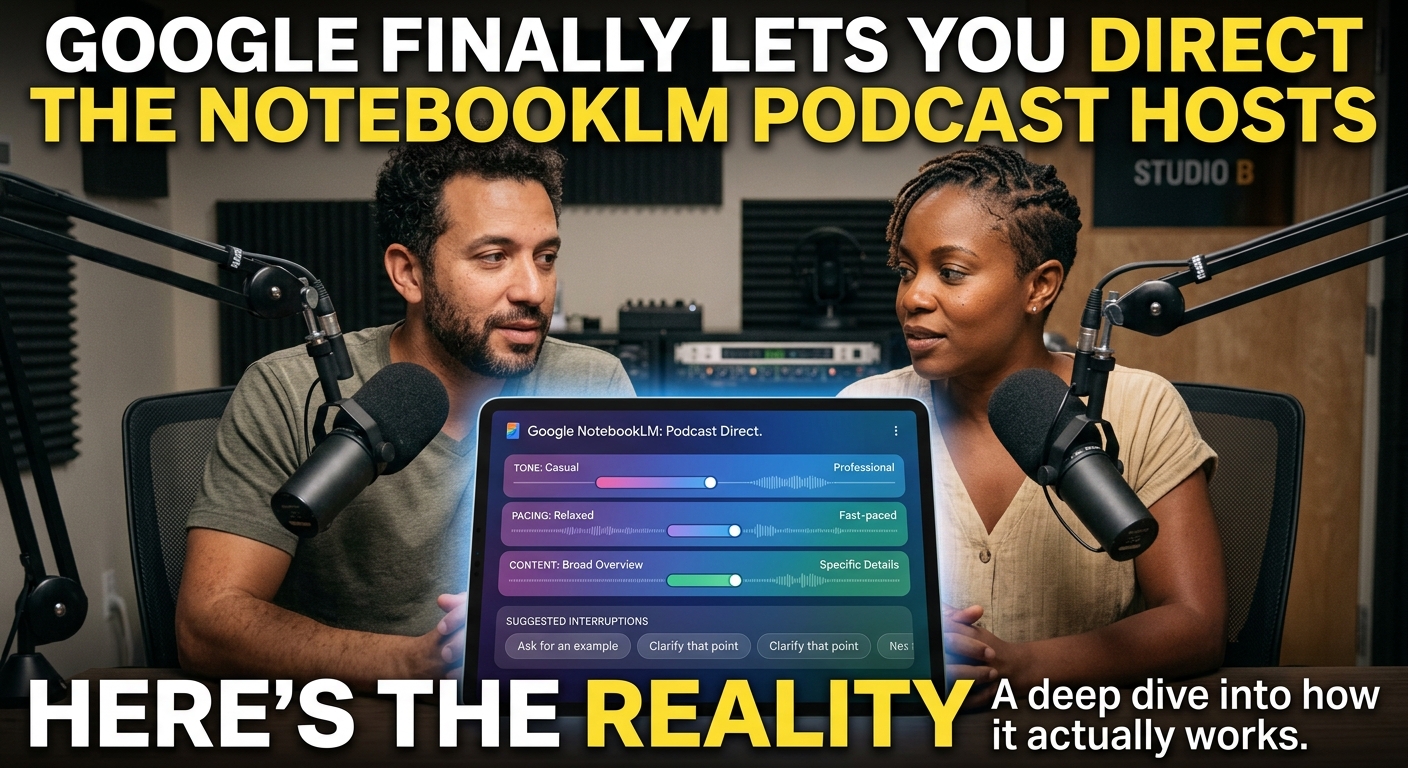
NotebookLM Audio Overviews: How to Direct the AI Podcast Hosts
NotebookLM Audio Overviews: How to Direct the AI Podcast Hosts
Google has updated NotebookLM's Audio Overview feature to let you customize and guide the AI podcast hosts instead of accepting the default output. You can now instruct the hosts on what to focus on, who their audience is, and what tone to strike—turning what was a fun novelty into a highly practical, tailored learning assistant.
If you've spent any time on tech Twitter lately, you've probably heard about NotebookLM's Audio Overviews. They are the eerily realistic, banter-filled AI podcast hosts that turn your dry PDFs and messy notes into a highly listenable radio show. But as cool as they were, they had a glaring flaw: you couldn't control them. You were stuck with whatever vibe, depth, and tangent the AI decided to generate.
Google just fixed that. In a fresh update, you can now customize your Audio Overviews before they generate. You can literally brief the AI hosts on what to focus on, who their audience is, and how deep they should go into your source material.
Here is what this update actually means, how it works in practice, and where it still falls flat.
The Big Upgrade: Steering the Conversation
The core of this update is the new "Customize" option when generating an Audio Overview. Instead of just clicking a button and hoping for a decent summary, you get an instruction box.
Think of it like being an executive producer for your own two-person podcast. You can write a prompt—up to 500 characters—to guide the hosts' direction.
What You Can Guide
- The Target Audience: Tell them to explain your research paper as if they are talking to a middle schooler, a venture capitalist, or a senior software engineer.
- Topic Focus: If you upload a massive 50-page financial report but only care about the Q3 marketing spend, you can instruct them to ignore everything else.
- Tone and Style: You can tell them to keep it highly technical, focus on practical applications, or avoid making cheesy jokes.
Google also added the ability to do "background listening." This means you can finally keep working inside NotebookLM—organizing your notes or chatting with the source documents—while the audio overview generates in the background.
Real-World Use Cases: How to Actually Use This
This isn't just a novelty anymore. Giving users the steering wheel makes this a genuinely useful workflow tool.
Pre-Meeting Briefings
Instead of reading a 20-page product spec document before a morning meeting, you can upload the document, set the prompt to "Focus only on the technical dependencies and potential engineering bottlenecks," and listen to a 5-minute custom podcast during your morning coffee.
Tailored Study Guides
Students or developers learning a new framework can upload documentation and set the guide to: "Focus heavily on code structure and design patterns, and explain the concepts using analogies to Python."
Pitch Deck Stress-Testing
Upload your startup pitch deck and tell the hosts: "Act as highly skeptical angel investors. Critique our business model and call out our biggest weak spots."
Hard Limitations: What It Still Can't Do
Despite the upgrade, NotebookLM's podcast hosts are still bound by some frustrating guardrails.
- You can't interrupt them mid-flow: The "customization" only happens before you generate. If the hosts start rambling or make a weird joke halfway through the audio, you can't jump in and steer them back. You have to tweak your prompt and regenerate the whole thing from scratch.
- Generation takes time: Even though you can now work in the background while it generates, it still takes several minutes to render a full audio file.
- The "AI voice" quirks persist: While the interruptions, "uhms," and laughter sound incredibly human, they still occasionally glitch. Sometimes they will obsess over a trivial detail because the LLM behind them got confused about what was actually important in your prompt.
- No custom voices (yet): You are still locked into the same two default voices (one male, one female). You can't change their accents, genders, or individual speaking styles yet.
The Verdict
This update changes Audio Overviews from a fun party trick into a legitimate productivity tool. By letting you guide the focus, Google has solved the biggest issue with AI-generated audio: irrelevance. It's not perfect, and the generation time might test your patience, but it's a massive step toward highly personalized, on-demand audio learning. Let's see how long it takes for competitors to copy this level of control.