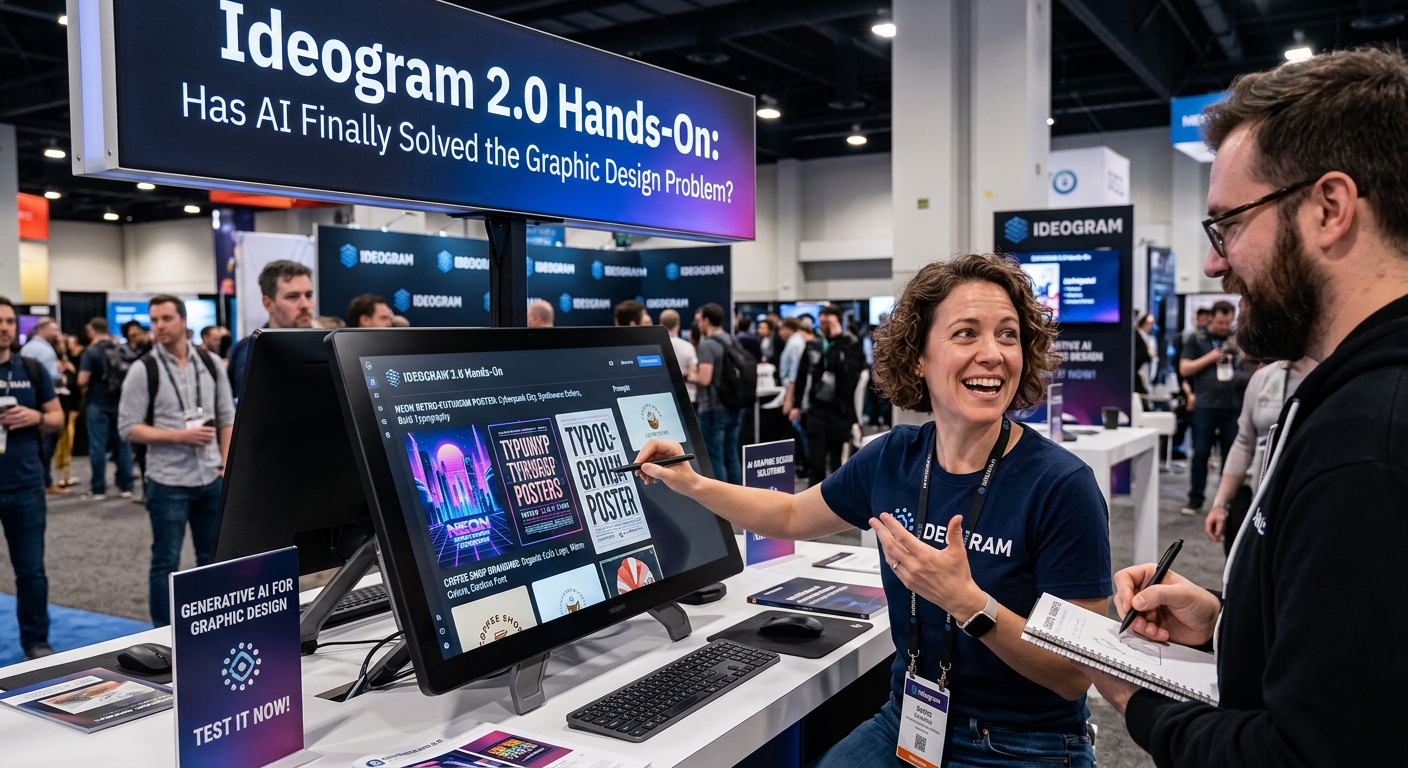
Ideogram 2.0 Review: Has AI Finally Solved Graphic Design?
Ideogram 2.0 Review: Can It Solve the Graphic Design Problem?
Ideogram 2.0 launched yesterday with upgrades to text rendering, color palette control, and graphic design layout automation. We tested the new model over 24 hours to find out whether it earns a permanent spot in your creative workflow.
While other models have improved at spelling, they still treat typography like an afterthought. Ideogram 2.0 is built differently. The result is a noticeable leap in how reliably AI can handle text, color matching, and visual hierarchy — but it is not a full replacement for every design task.
---
What's New in Ideogram 2.0?
The update introduces five distinct style engines: General, Realistic, Design, 3D, and Anime. You can hard-select these modes from the UI instead of relying on lucky prompt engineering to hit a specific vibe.
The Design Style Engine
This is the standout feature of the release. The Design engine improves graphic layout significantly. When you request a poster, flyer, or t-shirt print, it considers hierarchy, spacing, and modern design principles rather than placing text on a random background. It behaves as though it has a built-in grid system.
Upgraded Text-to-Image Accuracy
Ideogram has long been known for spelling accuracy. Version 2.0 extends that capability to longer sentences, varied fonts, and complex text integrations — including wrapping text around objects and embedding it into textures — without distorting letters.
Advanced Color Palette Control
You can now input specific hex codes or choose pre-designed color palettes before running a prompt. This matters for brand consistency: if your brand uses a strict navy and cream palette, the model will stick to those exact colors instead of guessing from descriptive words.
---
Real-World Use Cases
- App UI Mockups & Assets — Generate clean vector-like illustrations, custom icons, and UI background assets that match your app's brand colors, reducing the need to hunt through Figma templates or stock sites.
- Merchandise & T-Shirt Design — The Design engine creates clean, isolated graphics on solid backgrounds, making it easier to export transparent PNGs for print-on-demand setups.
- Social Media & Marketing Graphics — Prompt: "A retro graphic design poster for a local coffee shop, vibrant orange and cream color palette, text 'FRESH BREW DAILY' in bold sans-serif" and get an editable-looking asset instantly.
---
The Hard Limitations
- No Native Image Editing (Yet) — Unlike Midjourney's inpainting or DALL-E's canvas editor, Ideogram 2.0 lacks a brush tool to modify specific parts of an image. If a letter is slightly off, your only option is to describe the change and re-roll the prompt, which burns credits quickly.
- The "AI Glow" in Realistic Mode — The Realistic engine is a major step forward from version 1.0, but human skin still occasionally retains an overly polished, plastic look under certain lighting. Midjourney v6 remains superior for raw photographic texture.
- No Direct Vector Export — The platform only exports raster formats (JPG/PNG). If you need to resize designs for large-scale print, you will still need an external vectorizer, despite the layouts looking like they belong in Adobe Illustrator.
---
Pricing Reality Check
Ideogram offers a free tier of 10 slow generations per day, but outputs go to the public feed (visible and remixable by others).
The Basic Plan ($8/month) gives you 400 priority generation credits monthly and unlocks high-quality downloads.
For commercial client work, the Plus Plan ($20/month) adds unlimited slow generations, private generation mode, and bulk image uploading.
Solo developers and graphic designers who regularly need custom text assets will find the $20/month tier justified by the time saved in Figma. It is a highly specialized tool that handles text and layout better than any competitor on the market right now.