NotebookLM Just Added Audio Styles—Here is How to Keep Your AI Podcasts From Sounding Like Bad Radio
NotebookLM Audio Styles: How to Fix AI Podcasts That Sound Like Bad Radio
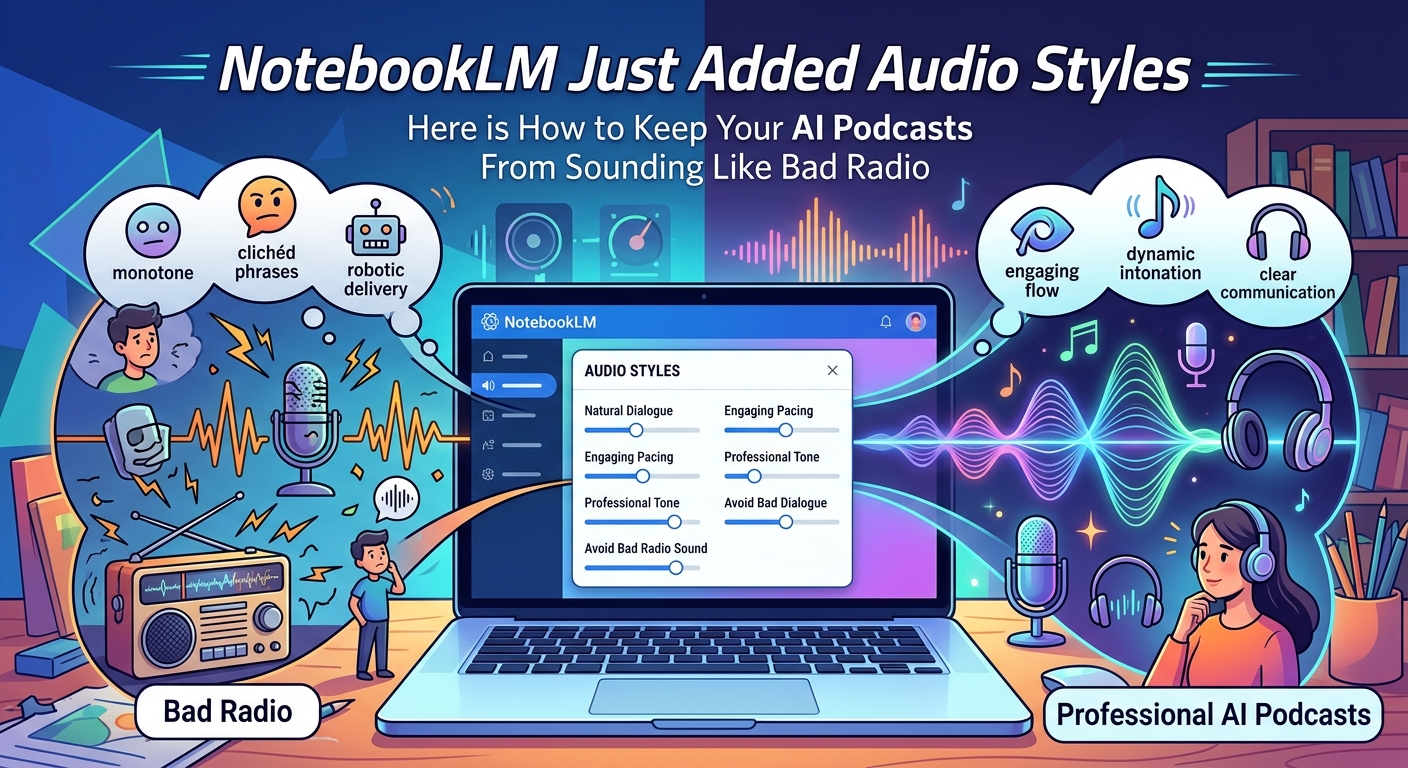
Google's NotebookLM now offers Audio Styles, a customization feature that lets you control the tone, focus, and audience level of its AI-generated podcasts. This directly addresses the tool's most criticized flaw—the flat, overly cheerful default hosts—making NotebookLM viable for technical reviews and critical analysis.
NotebookLM has become a favorite in the AI community because of its "Audio Overviews." Two AI hosts chat about your uploaded PDFs, articles, or notes, turning dry documents into convincing, NPR-style podcasts. But the hosts always sounded the same, regardless of whether you uploaded a corporate earnings report or a science fiction draft. They maintained one upbeat, mid-tempo morning-show vibe.
Google's Audio Styles update fixes that. You can now guide the hosts' behavior—steer them toward specific topics, adjust their expertise level, or match a particular mood—before generating the audio.
---
What Changed: Customizing Your Hosts
Previously, Audio Overviews were a one-click gamble. You clicked "Generate" and Gemini decided how to frame your material.
The new Audio Styles feature adds a customization field before generation. It works like a system prompt tuned for audio performance. Instead of telling the AI what is in the document, you tell the hosts how to talk about it.
Key Capabilities of the Update
- Direct Focus Steering: Tell the hosts to ignore specific sections and zoom in on others.
- Target Audience Adjustment: Force the hosts to explain complex ideas as if talking to a five-year-old, a software engineer, or a venture capitalist.
- Vibe Control: Request a skeptical, highly analytical tone instead of the default "enthusiastic cheerleader" mode.
---
Real-World Use Cases: Where This Actually Helps
This goes beyond funny voices. If you integrate NotebookLM into your weekly workflow, this update solves real pain points.
1. Code Review and Technical Deep Dives
Throw a repository's markdown documentation into NotebookLM and the hosts used to gloss over code blocks and explain basic concepts.
- The Style Prompt: "Act as two senior systems architects reviewing this codebase. Focus heavily on potential performance bottlenecks and database indexing issues. Do not explain basic programming terms."
- The Result: The hosts cut the fluff and speak to each other with professional urgency, using actual developer jargon without stopping to define what an API is.
2. Proofreading and Narrative Critique
For writers, the default hosts are often too polite. They treat every draft like a masterpiece.
- The Style Prompt: "Be critical, objective editors. Point out plot holes, inconsistent character motivations, and places where the pacing drags."
- The Result: A much more useful feedback loop. The hosts debate the structural flaws of your writing rather than just summarizing the plot.
---
The Catch: Where Audio Styles Fall Short
The control is a major step forward, but NotebookLM still has guardrails and limitations that will annoy power users.
- Indirect Prompting: You cannot write a literal script. You are suggesting a direction, but the underlying Gemini engine still improvises the final dialogue. If you tell them to be "angry," they might just sound mildly passive-aggressive.
- No Voice Selection (Yet): You still cannot choose different voice profiles, accents, or genders. You are stuck with the same two American hosts, even if you tell them to pretend they are at a British academic conference.
- Generation Speed: Customizing the style adds processing time. Generating a full 10-minute overview with a complex style prompt can take several minutes, and if the output isn't quite right, you burn another few minutes to regenerate.
---
How to Get the Best Results
Don't write vague prompts like "make it cool." Be specific about roles and the relationship between the two hosts.
Try structure-focused prompts like:
> "Host A is highly skeptical of the data in this report. Host B is defending it. Keep the debate professional but tense. Do not let Host A agree too quickly."
This creates natural friction, making the final audio far more engaging than a standard, agreeable summary. Keep your prompts under 100 words for the best adherence to instructions—overcomplicating the prompt tends to make the generation revert to default behaviors.
---
Takeaway: NotebookLM's Audio Styles make the tool genuinely useful beyond novelty. By steering tone, focus, and audience level, you can produce podcasts that fit technical, creative, and analytical workflows. Just keep prompts specific and concise, and factor in longer generation times when iterating. ===