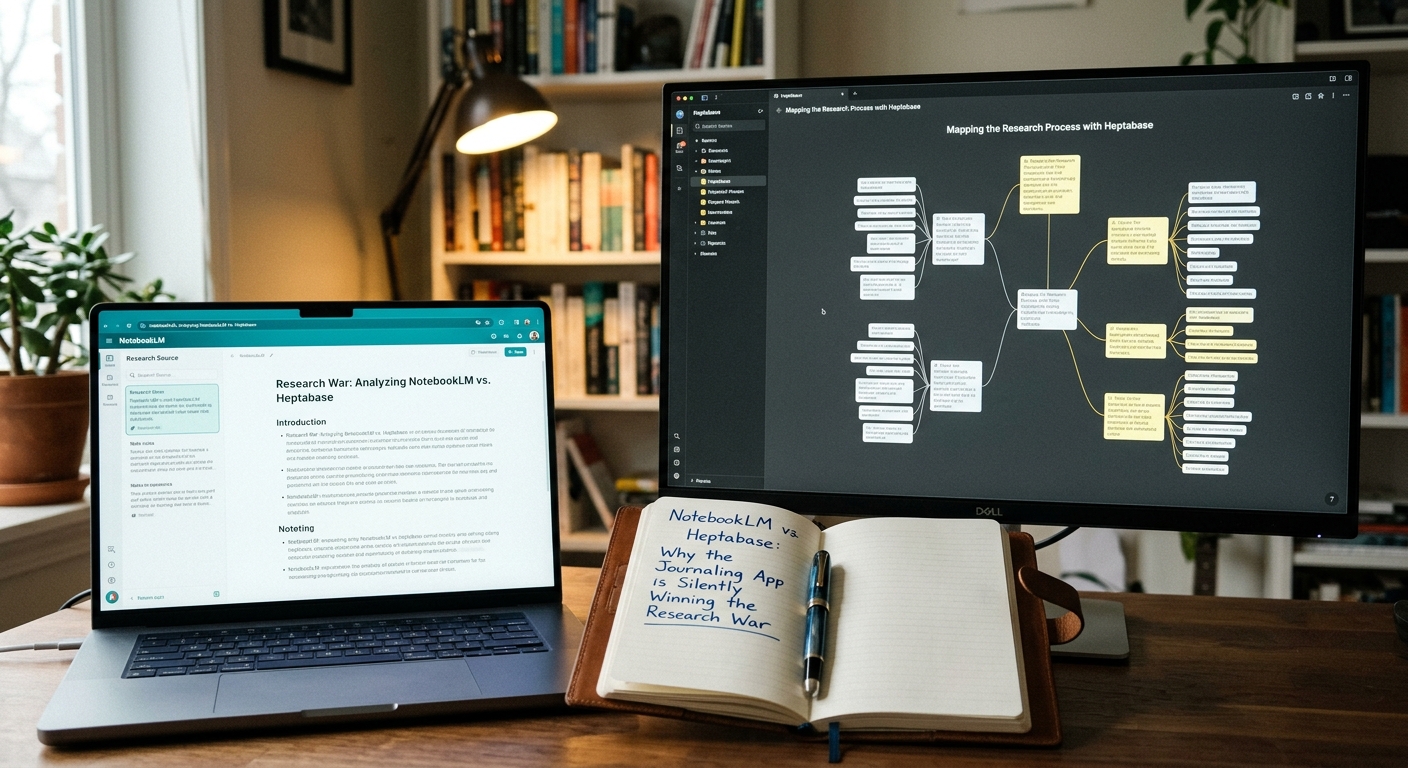
NotebookLM vs. Heptabase: Why a Spatial Canvas Wins Research
NotebookLM vs. Heptabase: Why a Spatial Canvas Wins Research
Google's NotebookLM makes headlines with AI-generated audio summaries, but serious researchers are shifting to Heptabase for long-term knowledge management. Here is a practical breakdown of where each tool excels, where both fall short, and why a spatial canvas beats a chat interface for complex, sustained research.
The Core Philosophy: Chat Sandbox vs. Visual Knowledge Map
NotebookLM is a localized, document-grounded chatbot. You upload your PDFs, EPUBs, or Google Docs, and Google's Gemini model lets you query them without hallucinating (mostly). It is spectacular for generating a quick summary or listening to two AI hosts banter about your thesis. But once you ask it a question, that information lives in a chat bubble. It's linear. It's static.
Heptabase treats your research like a detective's whiteboard.
When you import PDFs or web articles into Heptabase, you don't just chat with them. You split your screen, open the PDF on one side, and drag annotations directly onto a visual canvas as cards. You can connect these cards with arrows, group them into mind maps, and write parent notes that link everything together.
With Heptabase's latest update, their AI assistant can now analyze your visual layout, suggesting connections between cards you placed on opposite sides of your board. It doesn't just read your files; it reads how you structured your thinking.
Where Each Tool Actually Shines
To make this practical, let's look at how these workflows play out in real-world scenarios.
Use NotebookLM if:
- You need immediate audio synthesis: Google's Audio Overview feature remains unmatched. If you learn best by listening to a conversational podcast about a 50-page financial report while driving, NotebookLM wins.
- You are on a zero-budget setup: NotebookLM is currently free. It leverages Google's enterprise-grade infrastructure without asking for a credit card.
- You want rapid, surface-level Q&A: If you just need to find out what page a specific clause is on in a 300-page contract, NotebookLM will pull it up in three seconds flat.
Use Heptabase if:
- You are writing long-form content: If you need to turn 50 sources into a 10,000-word paper, Heptabase lets you write your draft on the same canvas where your source cards sit. You can drag a quote directly into your manuscript as a dynamic block link.
- You need bidirectional linking: Every card in Heptabase is a reusable atomic note. If you write a card about "Zero-Knowledge Proofs" in a cryptography project, you can reuse that exact same card in a blockchain project. The edits sync everywhere. NotebookLM's notebooks are strictly isolated silos.
- You struggle with information overload: Seeing your sources laid out spatially prevents the "out of sight, out of mind" cognitive fatigue that happens when you have 40 tabs open in a browser.
The Reality Check: Where Both Tools Fall Short
Neither of these tools is a silver bullet, and both have glaring limitations that will frustrate power users.
NotebookLM's biggest issue is its total lack of long-term export options. You can save notes within a notebook, but trying to export your organized thoughts into Obsidian, Logseq, or Markdown is an absolute nightmare. It wants to keep you trapped in the Google ecosystem. Plus, Gemini's context window, while massive, still suffers from "middle-of-the-document blindness" when processing dozens of massive files simultaneously.
Heptabase, on the other hand, has a steep learning curve. If you don't already have a system for organizing your thoughts (like Zettelkasten or PARA), its open canvas can feel incredibly intimidating.
Then there is the price. Heptabase will set you back $11.99 a month (or $8.99/mo billed annually). For a bootlegged markdown editor with some visual flair, that is a tough pill to swallow when Obsidian offers local-first canvas features for free, and NotebookLM costs nothing.
The Verdict
NotebookLM is a spectacular search engine for your personal documents, but a poor place to build a second brain. For deep, active synthesis—writing, project planning, or studying complex systems—Heptabase is the stronger choice.
Keep NotebookLM for quick summaries and hands-free learning. Pay the subscription for Heptabase when your work demands seeing your files, your notes, and your final draft on a single, infinite board.