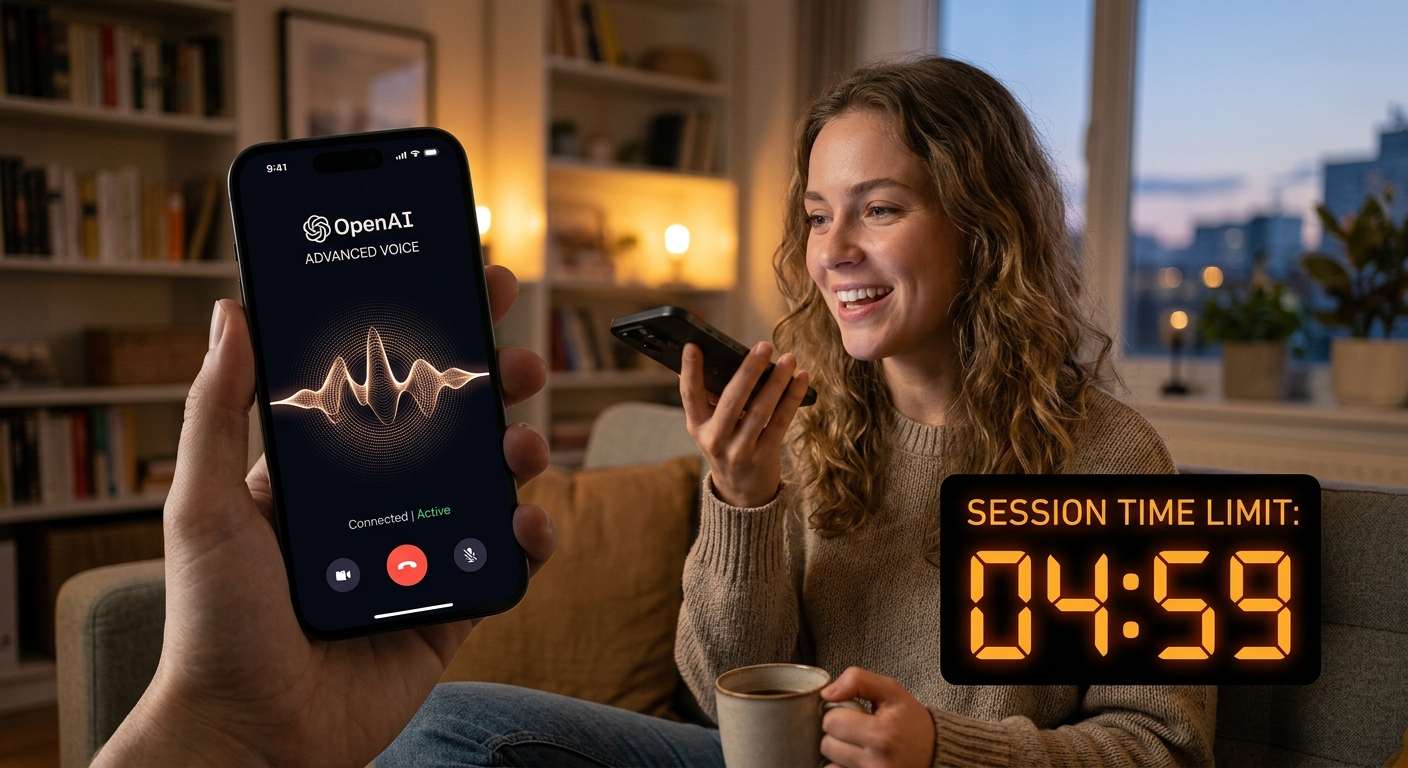
OpenAI's Advanced Voice Mode Is Finally Here—But Keep an Eye on the Clock
OpenAI's Advanced Voice Mode Is Live: Real-Time Conversation Without the Creepiness
OpenAI's Advanced Voice Mode is now available to ChatGPT Plus and Team users, delivering native audio-to-audio processing for real-time conversations. After months of delays, alpha tests, and controversies, the feature promises lower latency and emotional nuance. We spent twelve hours testing its boundaries to see if it's a practical tool or just a high-tech party trick.
This isn't the legacy voice feature that transcribed speech, processed it through GPT-4, and read text back with GPS-like charisma. Advanced Voice Mode uses native audio-to-audio processing to hear your tone, catch pauses, and respond in real time. Here's how it performs in practice and where its limits bite.
---
What Makes Advanced Voice Actually Different?
The legacy voice feature relied on three separate models: speech-to-text, LLM processing, and text-to-speech. Advanced Voice Mode bypasses those handoffs using GPT-4o's native multimodal capabilities.
- Zero-Latency Interruptions: You can cut off the AI mid-sentence without waiting for it to finish. The model stops instantly and pivots based on your new input.
- Emotional Range and Nuance: It understands sarcasm, matches your speaking pace, and can sound excited, apologetic, or whispered.
- Customization and Accents: Beyond five new voices (Arbor, Maple, Sol, Spruce, and Vale), you can ask it to adopt regional accents or roleplay specific personas.
---
Real-World Use Cases Where It Earns Its Keep
We tested where native audio processing changes actual workflows, beyond gimmicks.
1. High-Intensity Language Immersion
Standard language apps feel rigid. With Advanced Voice Mode, you can conduct a fluid Spanish or Japanese lesson. If you make a pronunciation mistake, you can say, "Hey, stop me every time my accent slips and explain how to fix it." The feedback loop is instant.
2. Conversational Rubber-Duck Debugging
Coding alone is a developer trope. Sometimes you just need to talk through a system architecture issue. Because you can interrupt the model mid-explanation, you can talk through complex logic loops without typing paragraphs. "Wait, go back to that third database join, that wouldn't scale if we have millions of concurrent users..." works effectively.
3. Roleplay and Negotiation Prep
Need to ask for a raise or prep for a high-stakes client call? You can instruct the model: "Act as a skeptical, budget-conscious CTO who hates microservices. I'm going to pitch you our new migration plan." The dynamic response rate makes the simulation feel stressful in a productive way.
---
The Hard Limitations: Where It Falls Short
OpenAI keeps this model on a remarkably short leash. Expect immediate speed bumps if you want unconstrained access.
- The 45-Minute Wall: There is a daily cap on Advanced Voice usage. After about 45 minutes of cumulative talk time, a warning banner appears and you're switched to the slower legacy voice engine.
- The "No-Singing" Guardrail: To avoid copyright issues, the system is hard-blocked from singing, humming, or reproducing music. Ask it to sing "Happy Birthday," and it will awkwardly speak the lyrics instead.
- No Real-Time Web Search or Tool Use: Unlike text ChatGPT, Advanced Voice Mode cannot browse the live web or run code interpreter sessions while you talk. It relies entirely on its pre-trained knowledge base.
- Voice Boundary Restrictions: The system blocks attempts to mimic specific public figures or unauthorized voices. If your voice drifts too close to a protected signature, safety filters will abruptly mute generation.
---
Verdict
OpenAI's Advanced Voice Mode is a significant step forward for natural human-machine interaction, but it doesn't replace text-based workflows entirely. It excels in dynamic, conversational scenarios like language practice, brainstorming, and roleplay. However, daily usage limits and no real-time web access mean you'll still type complex coding queries and research tasks.
If you have a Plus subscription, update your mobile app and try it. If you hope it will run your entire business via voice commands, wait another year.