Agentic IDE Battle: Cursor vs Windsurf vs Copilot Edits
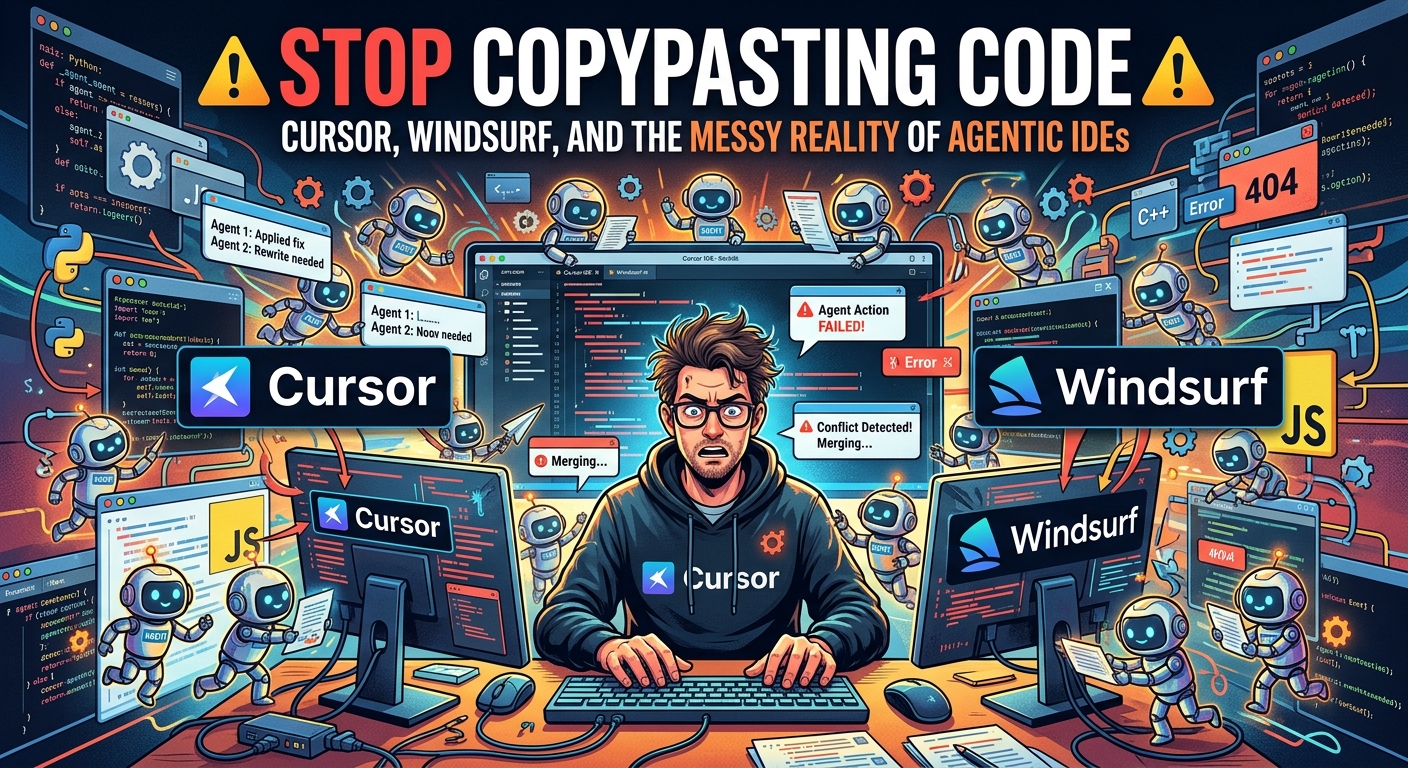
Stop Copypasting Code: Cursor, Windsurf, and the Messy Reality of Agentic IDEs
When choosing an agentic IDE in late 2026, the winner depends on your workflow: Cursor leads on complex self-correcting refactors, Windsurf wins on speed and pair-programming flow, and VS Code Copilot Edits still isn't ready to replace the other two for heavy lifting.
If you are still manually copying code blocks from a chat sidebar into your IDE, you are wasting your time. The battle lines have shifted from simple autocomplete to agentic execution. We are no longer asking AI to write simple functions; we are letting them orchestrate multi-file migrations, run terminal commands, and debug their own runtime errors.
But let's be completely honest. These tools are far from magic. They can still wreck your codebase, delete your environment variables, or get stuck in infinite loops that eat your fast-token credits. We put the industry's top three agentic coding tools—Cursor (Composer Mode), Windsurf (Cascade), and VS Code's native Copilot Edits—through a series of ugly refactoring tasks to see which one actually earns its keep.
The Contenders: Who Writes Code and Who Just Talks
1. Cursor (Agent Mode)
Cursor remains the darling of the developer community for a reason. Its agent mode doesn't just suggest code; it takes over your terminal, runs tests, reads stack traces, and iterates until the tests pass. Its custom rules integration allows you to enforce strict architectural patterns across your entire workspace.
But it is not perfect. Cursor has grown bloated. When indexing large monorepos, it can hog system memory and turn your laptop into a space heater.
2. Windsurf (Cascade Flows)
Codeium's Windsurf is the fastest contender in this race. Its "Flow" paradigm is built for real-time, side-by-side collaboration. Where Cursor feels like you are handing a ticket to an offshore junior dev, Windsurf feels like pair programming with a highly capable colleague.
It excels at system-level context. However, Cascade occasionally ignores custom style guides and has a bad habit of trying to write its own bash scripts instead of using your existing project tooling.
3. VS Code Copilot Edits
Microsoft's late entry into multi-file editing is highly secure and integrates nicely into your existing enterprise VS Code setup.
The problem is it lacks teeth. It is too afraid to make bold directory-wide edits, often forcing you to manually approve every single line. It feels like an autocomplete engine wearing an agent's trench coat.
Real-World Use Cases: Where Agents Actually Work
We tested these tools on two common, annoying development tasks to see how they handled the pressure. Here is how they stacked up.
Database Schema Migrations
Changing a database schema and updating every single API endpoint is a chore. We asked the agents to migrate a Prisma schema from a single-tenant model to multi-tenant, updating all dependent Express routes.
Cursor handled this flawlessly. It identified the affected files, updated the types, and even fixed the broken imports in our test suite. Windsurf completed the task faster but missed two nested controller files, resulting in compilation errors we had to fix ourselves. Copilot Edits simply refused to edit more than three files at once, prompting us to manually select the remaining targets.
Scaffolding New Microservices
We tasked the agents with spinning up a new Nest.js microservice matching the architecture of an existing folder.
Windsurf won this round. It quickly analyzed the existing directory, cloned the structure, and wrote clean, modular code in under a minute. Cursor got bogged down trying to run setup commands multiple times, getting caught in dependency resolution issues that required human intervention to bypass.
Hard Limitations: The Infinite Loop of Despair
Before you hand over your master branch to an agent, you need to understand where they break. They are not perfect software engineers.
The most common failure mode is the "Infinite Loop of Despair." This happens when an agent writes buggy code, runs a test that fails, tries to fix it by writing different buggy code, runs the test again, and repeats the cycle forever. If you are not actively watching the terminal, you can easily burn through 50 fast-usage queries in five minutes on a single unresolved bug.
Context choking is another massive issue. While LLM context windows have expanded dramatically, agentic IDEs still struggle to maintain accuracy when your workspace exceeds 10,000 files. They start forgetting import paths, referencing outdated APIs, or generating hallucinated files that don't exist.
Which One Should You Buy?
If you are a solo developer working on complex, multi-file features, Cursor is still the superior tool. Its ability to self-correct via terminal feedback is unmatched, despite its heavy footprint.
For fast-moving teams and developers who value IDE speed and a highly collaborative flow, Windsurf is the better choice. It is snappier and does not suffer from the bloat that is starting to creep into Cursor.
Keep an eye on Copilot Edits, but do not drop your active subscriptions for it yet. It needs to stop playing defense and start taking real agentic risks. The smart move is to pick the tool that matches your pace: Cursor for depth, Windsurf for speed, and Copilot Edits for when security and enterprise integration outweigh raw capability. ==CONTENT===