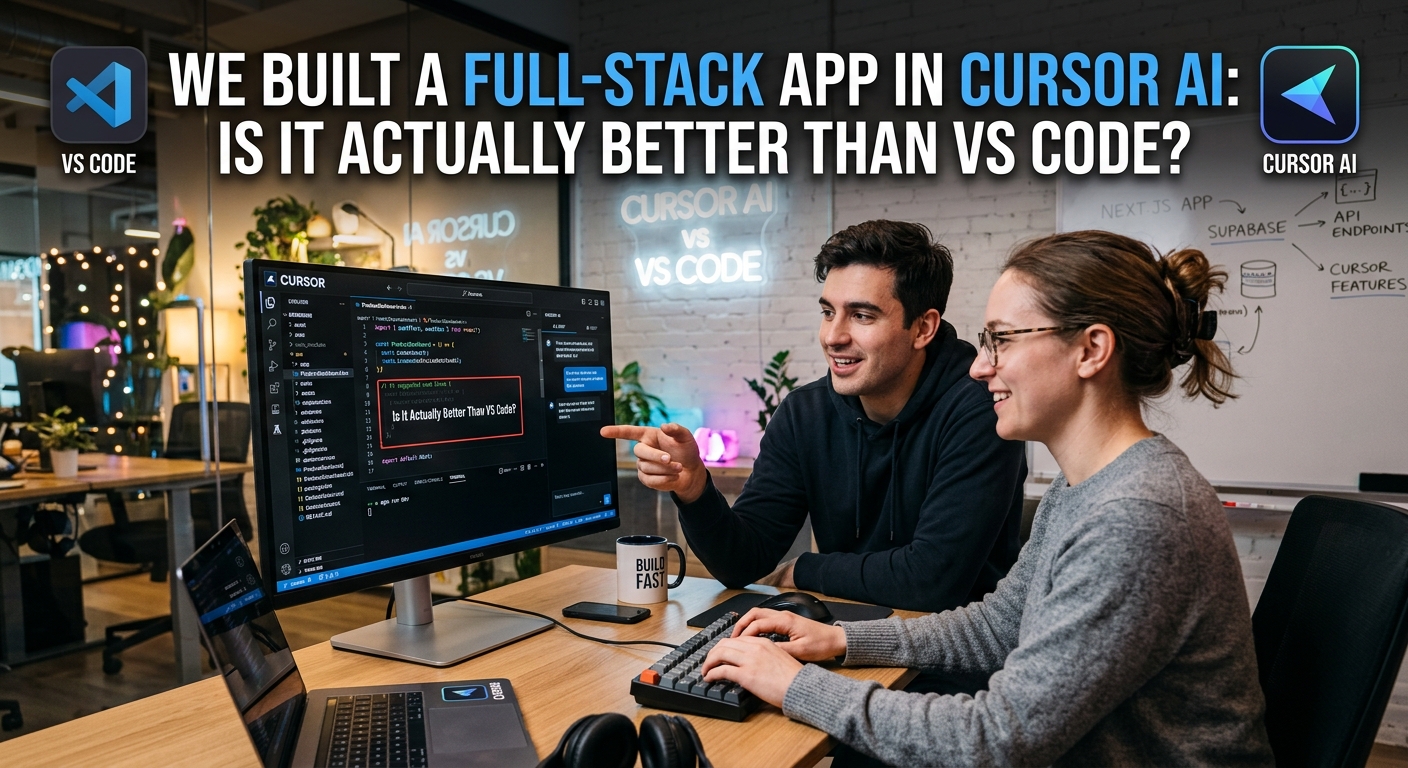
Cursor AI vs VS Code: Full-Stack App Build Review
Cursor AI vs VS Code: Full-Stack App Build Review
Most AI coding assistants feel like glorified autocomplete. You paste some code, ask a question, copy the output, and pray it doesn't break your imports. It is a tedious, exhausting dance.
We ditched VS Code for two weeks to build a full-stack app in Cursor AI — a hard-forked code editor rebuilt around large language models. Here is our unfiltered, developer-to-developer verdict on whether it is genuinely better than standard VS Code with GitHub Copilot.
What Is Cursor AI?
Cursor is not a VS Code extension. It is a full fork of VS Code itself. This means all your existing themes, keybindings, and extensions work out of the box.
Under the hood, the creators ripped out the standard autocomplete engine. They rebuilt the entire editor around large language models like Claude 3.5 Sonnet and GPT-4o. It looks like VS Code, but it thinks differently.
Key Features We Actually Liked
The tool has plenty of flashy features, but three of them changed our daily coding habits.
Composer (Cmd + I)
Instead of editing a single file, Composer lets you edit across multiple files simultaneously. Need to add a new database column, update the schema, and modify the frontend UI? Cursor edits all of them in one run.
Codebase Indexing (@codebase)
Most AI tools only see the file you have open. Cursor indexes your entire local directory. When you ask, "@codebase where do we handle user auth?", it scans your actual files and points you straight to the exact middleware.
Inline Edits (Cmd + K)
This feels incredibly fast. Highlight a block of code, press the hotkey, type "refactor this to use async/await," and watch it modify your editor in real time. It saves thousands of keystrokes.
Real-World Use Cases: Where It Shined
We put Cursor through two tough tests.
First, we fed it a complex, poorly documented legacy React component. We highlighted it and typed @component clean this up and make it accessible. It parsed the messy CSS class names, extracted sub-components, and added proper ARIA attributes. It did in two minutes what usually takes an hour of manual refactoring.
Second, we used it to spin up a fast backend route. By referencing our existing database models via the codebase tag, Cursor knew the exact types to import. It wrote the CRUD operations without making a single schema error.
The Dark Side: Where Cursor Falls Short
It is not all perfect. Let's talk about the pain points.
First, the resource usage is heavy. Cursor eats RAM. If you have a massive monorepo, indexing your codebase will make your laptop fans scream.
Second is the pricing model. While the free tier is decent, the $20/month Pro tier limits your fast premium queries. Once you run out, you get throttled to slow queries. If you code eight hours a day, you will hit this wall faster than you think.
Lastly, it still hallucinates. Occasionally, it invents npm packages or uses outdated library APIs. You can't turn off your brain. If you do, you will spend your afternoon debugging AI-generated garbage.
The Final Verdict: Should You Switch?
If you are a hobbyist who writes code once a week, stick to VS Code. The premium subscription isn't worth it.
But if you write code for a living, Cursor is absolutely worth the download. It makes the transition painless because it imports your existing setup instantly. It feels less like an assistant and more like a highly competent pair programmer.