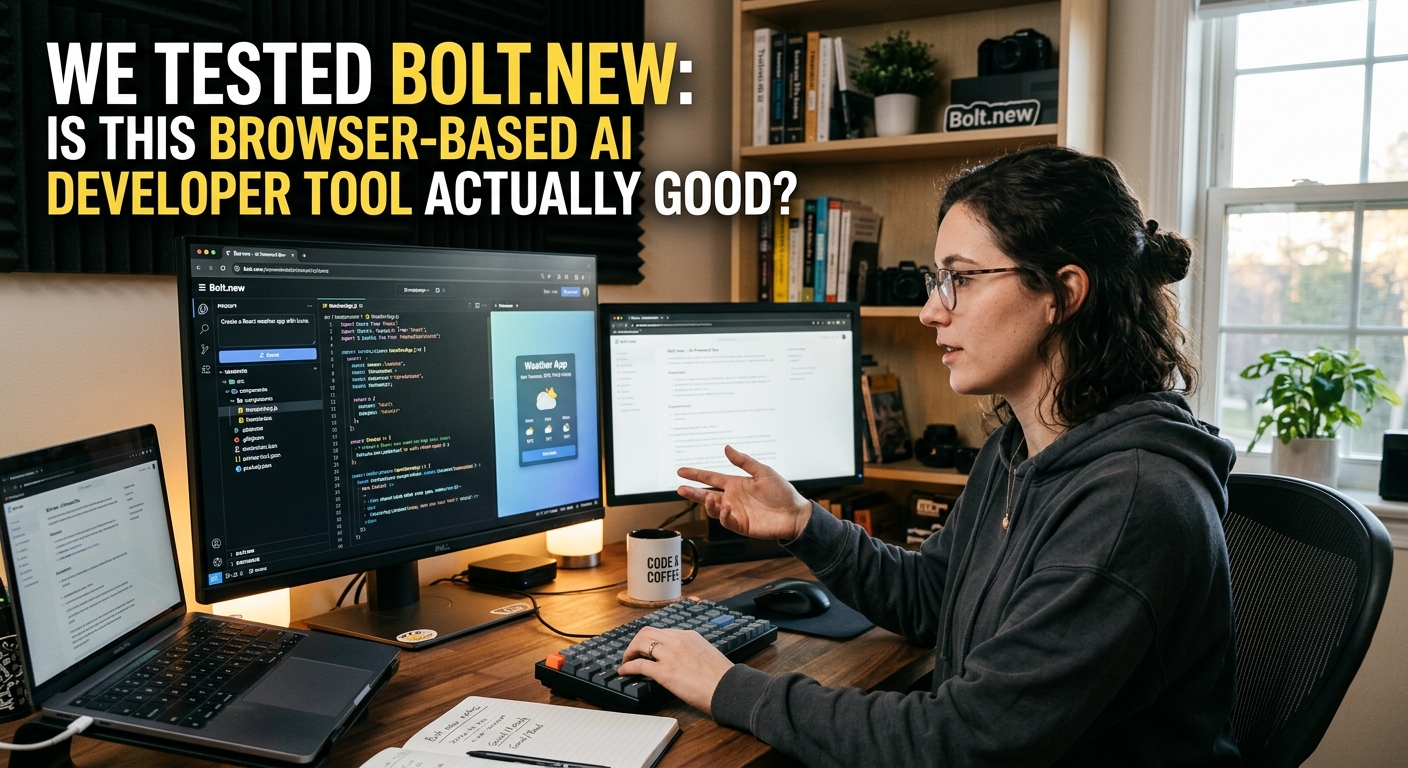
We Tested Bolt.new: Browser-Based AI Developer Tool Review
We Tested Bolt.new: Browser-Based AI Developer Tool Review
Let's be honest. Most AI coding assistants are just glorified autocomplete plugins. They suggest a few lines of CSS, mess up your TypeScript types, and leave you to clean up the mess.
Then came Bolt.new.
Created by the team at StackBlitz, Bolt.new doesn't just write code. It spins up a full-stack development environment inside a browser tab, installs dependencies, runs local servers, and deploys your application to production.
We spent a week pushing Bolt.new to its absolute limits. Here is the unfiltered truth about whether it's actually ready for real-world development.
What Makes Bolt.new Different?
Most AI tools live in your IDE or act as a chatbot. Bolt.new runs on WebContainers—StackBlitz's technology that lets you run Node.js directly in your browser.
This changes everything.
When you prompt Bolt.new, it doesn't just output code blocks. It creates a live, editable workspace. You can watch the terminal install npm packages in real-time. It spins up a Vite server, displays a live preview pane, and lets you debug console errors right there.
It handles front-end framework setup, configures databases like Supabase, and hooks up Tailwind CSS without you lifting a finger. It feels less like a chat interface and more like pair-programming with an obsessive-compulsive junior developer who types 10,000 words per minute.
Real-World Use Cases We Tested
We didn't just ask it to build a basic to-do app. We wanted to see if it could handle actual production workflows.
Rapid SaaS Prototyping
We prompted Bolt to build a subscription dashboard tracking user metrics. Within three minutes, it generated a gorgeous dashboard using shadcn/ui and Recharts. It didn't just mock the data either. It created a local mock database API and set up state management. The UI looked clean, responsive, and ready for a pitch deck.
Fast API Integrations
Connecting third-party APIs is usually a chore of reading documentation and debugging CORS errors. We asked Bolt to build a weather-tracking dashboard that pulls data from a public API. It automatically generated the fetch requests, handled loading states, and even wrote error-handling UI for when the API limit is reached.
One-Click Deployments
Once your project is ready, Bolt lets you deploy to Netlify or Vercel with a single click. No messing around with CLI configurations, environment variables, or branch merging. It just deploys.
Where Bolt.new Falls Apart
It's not all sunshine and perfect compiles. Bolt.new has some glaring limitations that will keep you from throwing away VS Code just yet.
First, browser memory limits. Because everything runs in browser WebContainers, heavy applications will quickly choke your tab. Try installing too many massive npm packages, and Chrome will happily crash with an "Out of Memory" error.
Second, context window issues. As your app grows larger, Bolt begins to forget earlier design choices. It might overwrite working API routes or break existing styles while trying to implement a new feature. You must be highly specific with your prompts to keep it on track.
Third, token pricing. Generating full-stack code isn't cheap. If you are on the free tier, you will burn through your daily limits in a matter of minutes. Even the paid plans can feel restrictive if you get stuck in an endless loop of debugging.
The Verdict
Bolt.new is not going to replace senior software engineers. But it might just replace how we prototype.
For spinning up proof-of-concepts, building internal tools, or testing out an API integration, it is faster than any local setup. It saves you hours of boilerplate work.
Our advice? Use Bolt.new to sprint from 0 to 1. Once you have your working prototype, export the repository to your local machine, open up your trusty IDE, and take it the rest of the way.