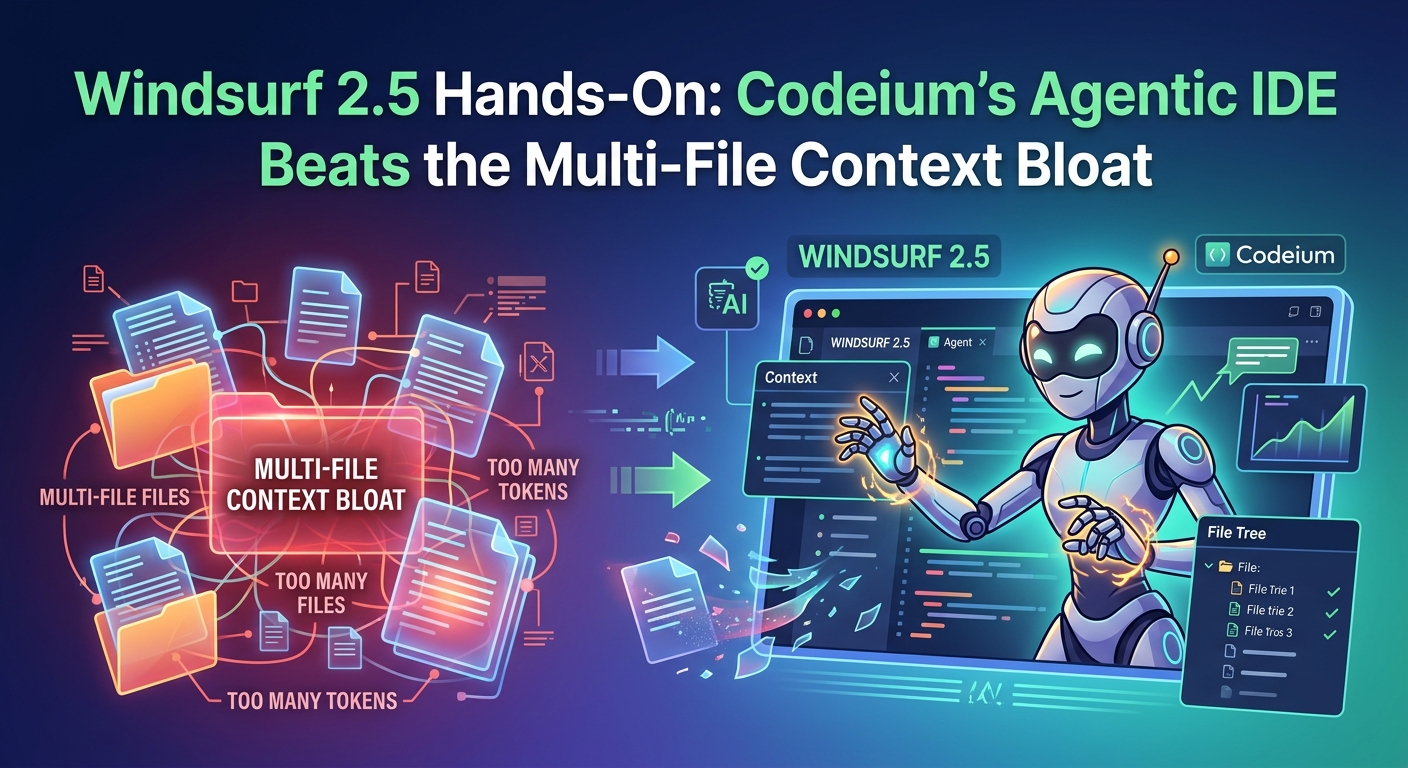
Windsurf 2.5 Hands-On: How It Fixes Multi-File Context Bloat
Windsurf 2.5 Hands-On: Codeium's Agentic IDE Actually Handles Multi-File Refactoring
If you've been using Codeium's Windsurf editor lately, you know it's been quietly stealing market share from Cursor. While Cursor relies heavily on composer-style multi-file editing, Windsurf's "Cascade" agent feels more integrated — though sometimes prone to losing its train of thought on larger codebases. Today, Codeium rolled out its massive Windsurf 2.5 update, specifically targeting how its agentic system handles complex, multi-file codebases without burning through your context window.
We spent the morning throwing some of our nastiest legacy React and Go bugs at it. Here is what actually changed, how it performs under pressure, and where it still falls flat.
---
What's New in Windsurf 2.5: Smart Pruning and Predictive Targeting
The headline feature of the 2.5 release is a complete rewrite of how Cascade handles multi-file context. In previous versions, if you asked Cascade to refactor an API endpoint that touched five different files, it would ingest entire files — quickly bloating your context and causing the model to hallucinate or miss subtle details.
Windsurf 2.5 introduces three core upgrades:
- Smart Semantic Pruning: Instead of reading entire files, Cascade now uses a localized AST (Abstract Syntax Tree) parser to pull only the relevant classes, imports, and functions. If you're editing a database schema, it won't pull in your entire UI layer just because they share an import.
- Predictive File Targeting: Cascade now suggests which files it thinks need to change before it actually touches them. You can approve or reject these files individually, preventing the agent from wandering off into unrelated directories.
- Sequential Multi-Step Edits: The agent writes, tests, and verifies edits in a strict sequential loop. If step two breaks a build, it halts, reverts, and replans — instead of plowing ahead and making things worse.
---
Real-World Test: Fixing a Broken Express/GraphQL Resolver
To see if this update holds water, we fed Windsurf 2.5 a classic headache: a broken GraphQL resolver failing to return nested user profile data because of an unhandled database migration. The fix required editing a Prisma schema, updating the TypeScript resolver, and modifying the frontend query component.
The Good
We booted Cascade in "Agent" mode and gave it a simple prompt: "Fix the nested profile query. It's returning null for the user's bio."
Under the old version, the agent would usually start editing the schema, forget to run prisma generate, and then fail to compile the TS types. In 2.5, Cascade mapped out the dependency graph first. It presented a checklist of three files it wanted to modify. Once we clicked "Approve," it updated the schema, ran the terminal command to regenerate the database client, fixed the resolver, and updated the frontend component — finishing the entire loop in about 45 seconds. The sequential execution prevented the usual compiler errors that plague automated codegen tools.
The Bad
It isn't magic. While the AST parser is excellent at targeting functions, it struggled when we asked it to refactor a file with highly nested, untyped JavaScript. Without explicit TypeScript types, the semantic pruning sometimes cut out critical helper functions, forcing us to manually copy-paste the missing code back into the context.
---
Where Windsurf 2.5 Still Falls Short
Despite the improvements, you shouldn't throw away your manual coding skills just yet. Here are the hard limitations we hit during testing:
- Terminal Stubbornness: Cascade still gets stuck in loops if a terminal command fails. When a test suite threw an unrelated deprecation warning, the agent spent three iterations trying to fix the warning instead of focusing on the actual test failure.
- State Desynchronization: If you make manual edits to a file while Cascade is actively writing to another, the editor occasionally loses track of the local git state. You'll need to save everything and let the agent re-index the workspace.
- High CPU Overhead: The local AST parsing runs on your machine. If you are working on a massive monorepo with tens of thousands of files, expect your laptop fans to kick into overdrive during the initial indexing phase.
---
Should You Switch From Cursor?
If you're working on complex backend codebases where directory structures are deeply nested, Windsurf 2.5 is a serious contender. The predictive file targeting gives you much tighter control over what the AI actually sees and modifies, saving you from the "hallucination spirals" common in other agentic IDEs.
However, if you primarily do rapid front-end prototyping where you want the AI to write entire UI components from scratch, Cursor's raw generation speed still feels slightly snappier.
The takeaway: Windsurf 2.5 doesn't solve the fundamental limits of LLM-based coding, but it makes the day-to-day developer experience far less frustrating by acting more like a careful junior engineer and less like an overenthusiastic autocomplete engine.