Windsurf vs Cursor: Which AI IDE Wins on 50k Lines of TypeScript?
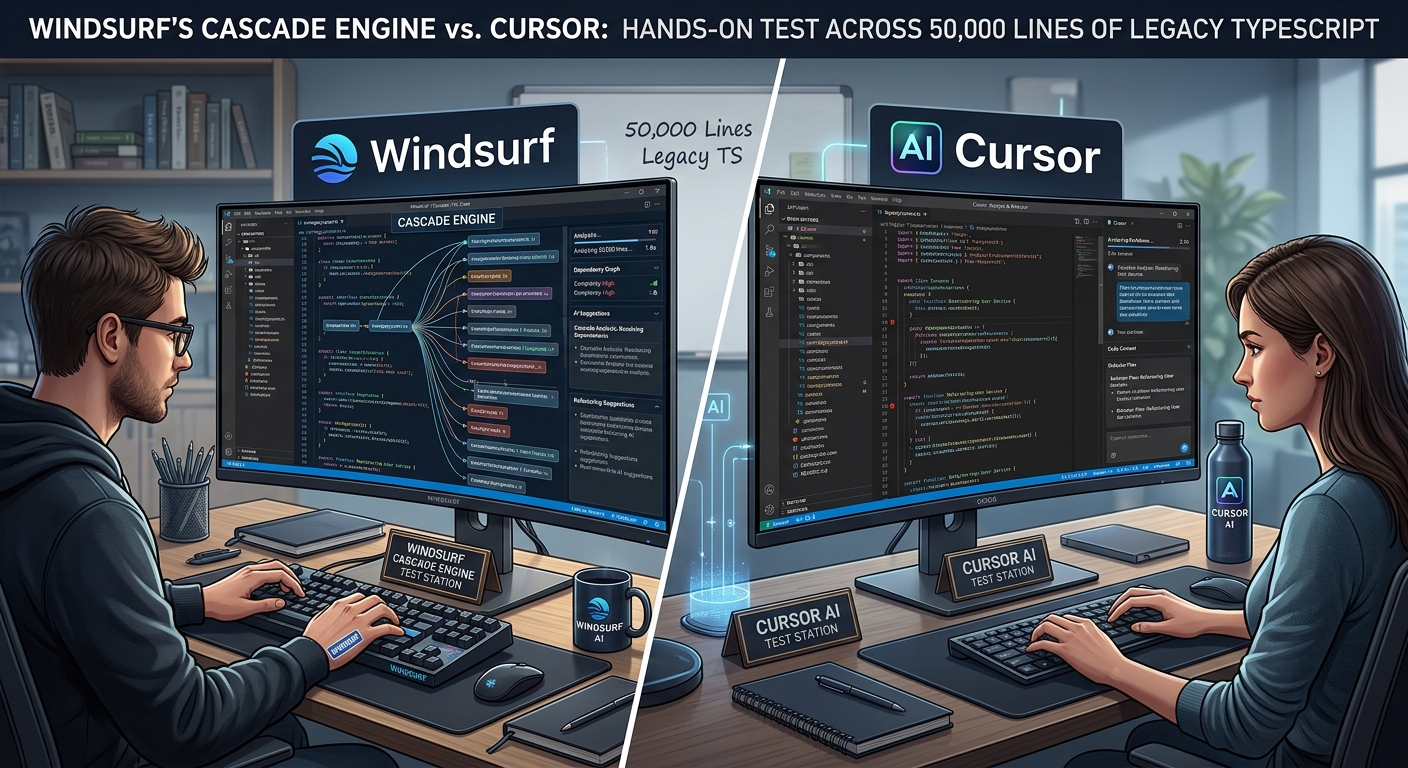
Windsurf's Cascade Engine vs Cursor: Hands-On Test across 50,000 Lines of Legacy TypeScript
Codeium released another update to Windsurf's Cascade flow engine yesterday, doubling down on multi-file agentic editing. Around the same time, Cursor pushed deeper indexing hooks for monorepos. We loaded a messy 50k-line TypeScript codebase into both editors to test context retrievability, token usage, and real execution reliability. Here is what we found.
How Their Context Architectures Compare Under Load
Context indexing is now the core engine behind AI coding.
Cursor uses a fine-tuned embedding model combined with local AST parsing to build its codebase graph. When you trigger @codebase, it quickly grabs relevant files and hands them to Sonnet 3.5 or GPT-4o. It feels fast. However, it still hits walls when dependencies spread across deep nesting levels.
Windsurf handles things differently with its Cascade system. Instead of simply feeding chunks to a model, Cascade maintains an active memory stack while editing across files. It opens files, runs terminal commands, and checks linter outputs in a tight loop. When it breaks something, it actually notices the red squiggly lines and tries to fix them before prompting you again.
Real-World Benchmark: Complex Refactoring and Context Retention
We gave both editors the same direct challenge: migrate an outdated Express REST endpoint layer to a fully type-safe Hono setup with Zod schemas.
Cursor completed the initial conversion in roughly forty seconds. The syntax was clean, but it hallucinated two import paths from a package we deprecated six months ago. Fixing those required manual prompt corrections and extra context tags.
Windsurf took slightly longer—about seventy seconds—because it audited existing imports across six files before writing a single character. It generated correct Zod schemas and verified type safety against our global declaration files. It wasn't perfect, but it required zero manual path fixups.
Hard Limitations You Will Hit on Day One
Neither tool is a magic wand.
Cursor burns through custom Fast Requests rapidly on large codebases. Once you hit your tier cap, switching to slow queues severely throttles your output during deadline crunches. Its terminal integration can also get sloppy when running long-polling async scripts.
Windsurf's Cascade memory can get stuck in infinite repair loops. If a build step fails due to an external environment variable issue, Cascade will burn through tokens attempting to patch local code over and over. You have to manually stop its loop before it eats your daily quota.
Which One Deserves Your Terminal?
If your daily work involves rapid inline completions, micro-edits, and hyper-fast file navigation, Cursor remains the sharper tool. Its UI polish is hard to beat.
If you spend your days doing structural migrations, tracking down race conditions across multiple services, or wrestling with unfamiliar code, Windsurf's agentic loop gives it an edge right now. Try both on a throwaway branch before committing your team.