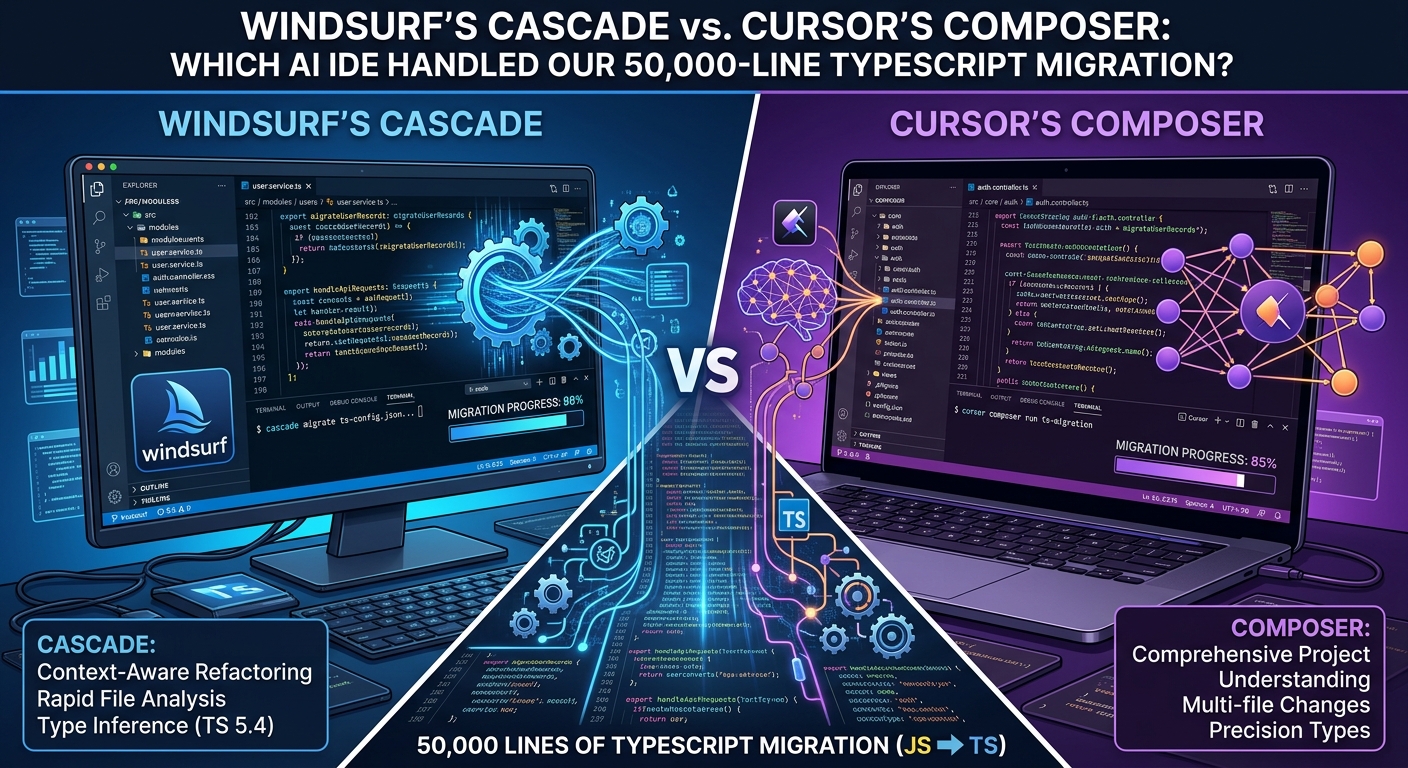
Windsurf vs Cursor: 50k-Line TypeScript Migration Test
Windsurf vs Cursor: 50k-Line TypeScript Migration Test
Windsurf's Cascade beat Cursor's Composer in our 50,000-line TypeScript migration. While Cursor finished faster, it relied on lazy type casting and broke strict TypeScript rules. Windsurf took 40 seconds longer but delivered code that compiled cleanly on the first attempt—saving our team two hours of manual debugging.
AI code editors aren't just tab-complete plugins anymore. They've morphed into full autonomous agents that edit across twenty files, run local terminal commands, and debug their own build errors. Over the last few weeks, the rivalry between Cursor and Codeium's Windsurf reached a boiling point as both teams pushed massive updates to their context engines.
We decided to stop reading marketing claims. Instead, we fed both editors a messy 50,000-line React and TypeScript repository with legacy Redux boilerplate and tasked them with migrating the state management to modern Zustand slice architecture.
Here is how both tools performed under real engineering pressure, where their indexing engines broke down, and which editor actually deserves a place on your machine.
How Cursor and Windsurf Retrieve Codebase Context
Cursor's Vector-Based Indexing Approach
Cursor relies heavily on its custom vector index built on top of VS Code, pairing smart chunking with Claude 3.5 Sonnet to map your codebase dependencies. When you hit Cmd+I in Cursor Composer, it scans your workspace graph, selects relevant files, and proposes inline multi-file edits. It works fast. It feels snappy.
Windsurf's Cascade Architecture Explained
Windsurf takes a radically different path with its "Cascade" architecture. Codeium built Cascade around what they call "Flows"—a hybrid system that blends real-time AST parsing, active file tracking, and background terminal awareness. Windsurf doesn't just read your files when prompted; it constantly tracks your cursor focus, recent git diffs, and local linter warnings to construct a dynamic context window.
| Feature | Cursor (Composer) | Windsurf (Cascade) | | :--- | :--- | :--- | | Primary Workflow Engine | Multi-file Composer modal | Cascade Flow panel & Inline Agent | | Context Indexing | Semantic Vector Search + File Symbols | AST-based Graph + Active Flow State | | Terminal Integration | Manual permission prompts | Automated execution with output analysis | | Underlying Models | Claude 3.5 Sonnet, GPT-4o, Custom models | Claude 3.5 Sonnet, GPT-4o, Codeium native | | Local Resource Usage | ~1.8 GB RAM (Base VS Code Fork) | ~2.4 GB RAM (Heavy background indexing) |
During our migration task, this architectural split created distinct behaviors. Cursor jumped straight to writing code, changing types across six components in one pass. Windsurf paused, ran tsc --noEmit in our terminal first to establish a baseline error list, and then tackled the migration module by module.
The 50-File Zustand Refactor: Head-to-Head Results
We gave both tools the exact same prompt: "Migrate the existing Redux user store, auth middleware, and dependent API calls in src/features/user to Zustand, ensuring zero broken type definitions."
How Cursor Handled the TypeScript Migration
Cursor's Composer modal generated changes across 14 files simultaneously. Its speed was genuinely impressive. Within 25 seconds, it refactored our Redux slices into clean Zustand hooks.
However, Cursor got overly aggressive with type casting. Rather than properly mapping our complex nested interfaces in types/user.ts, it sprinkled any and as unknown across three helper utility files to make the build pass quickly. We had to reject the diff, prompt it to respect strict TypeScript configurations, and re-run the refactor.
How Windsurf's Cascade Handled the Same Task
Windsurf's Cascade agent took a more methodical approach. It opened a dynamic terminal session, created a temporary branch state internally, and generated edits across 11 core files.
Because Cascade continuously monitors linter output, it caught a missing export in userActions.ts before presenting the final diff to us. When the initial TypeScript compiler check threw two errors in our API adapter layer, Cascade automatically read the terminal output, updated the signatures, and re-ran the build script without us typing a word.
The refactor took 40 seconds longer on Windsurf than on Cursor. But the code actually compiled on the first attempt without lazy type casting.
Known Limitations: What Each Tool Struggles With
Neither tool is flawless. If you expect a magical senior engineer in a box, prepare for frustrations.
Cursor's Weak Points for Large Codebases
- Context Drift on Huge Diffs: When modifying more than 15 files at once, Cursor occasionally forgets imported constants from files outside its immediate context window, creating invisible runtime bugs.
- Aggressive File Locks: Composer sometimes locks workspace files during generation, causing occasional VS Code editor freezes if you attempt to edit code manually while it works.
Windsurf's Trade-Offs and Resource Costs
- Heavy Memory Overhead: Windsurf's dynamic AST index eats significant system memory. On a 16GB M-series MacBook, running Windsurf alongside a Docker stack and Chrome pushed swap memory to its limits.
- Over-reliance on Terminal Execution: Cascade loves running shell commands. If your build step takes 30 seconds, Windsurf spends a lot of time hanging on terminal wait states instead of writing code ahead of time.
Final Verdict: Which AI IDE Should You Choose?
If your workflow centers around high-speed prototyping and single-file iteration, Cursor remains a polished option. Its UI integration inside VS Code is refined, and its response latency is slightly faster for quick edits.
However, if you work in deep multi-layered codebases where broken builds cost hours of debugging, Windsurf's Cascade engine holds a distinct edge. Its ability to read compiler output, self-correct using local linter warnings, and execute context-aware terminal commands makes it feel much closer to an actual pairing partner.
Takeaway: For our team, Windsurf won the migration battle. The extra 40 seconds of generation time saved us two hours of manual type-checking. Choose Cursor for speed on small tasks. Choose Windsurf when build correctness matters more than edit speed.